Behind the Scenes: How We Create AI Wallpapers with Midjourney
Every AI wallpaper on WallNest HD starts as nothing more than a sentence. Here is the actual process we follow — from writing the first prompt to publishing a finished 4K wallpaper — so you know exactly what goes into every image in our AI collection, and why some styles take far more testing than others before they are good enough to publish.
WallNest HD started as a place to collect free wallpapers from Pexels, Unsplash, Pixabay, and NASA. The AI wallpaper section came later, once it became clear that a lot of visitors wanted styles that simply do not exist in stock photo libraries — specific colour combinations, specific moods, specific compositions built for a phone screen rather than a desktop monitor. Real photography is great for nature, space, and city scenes, but for stylised art, patterns, and fantasy scenes, generating the image ourselves gives far more control over the final result.
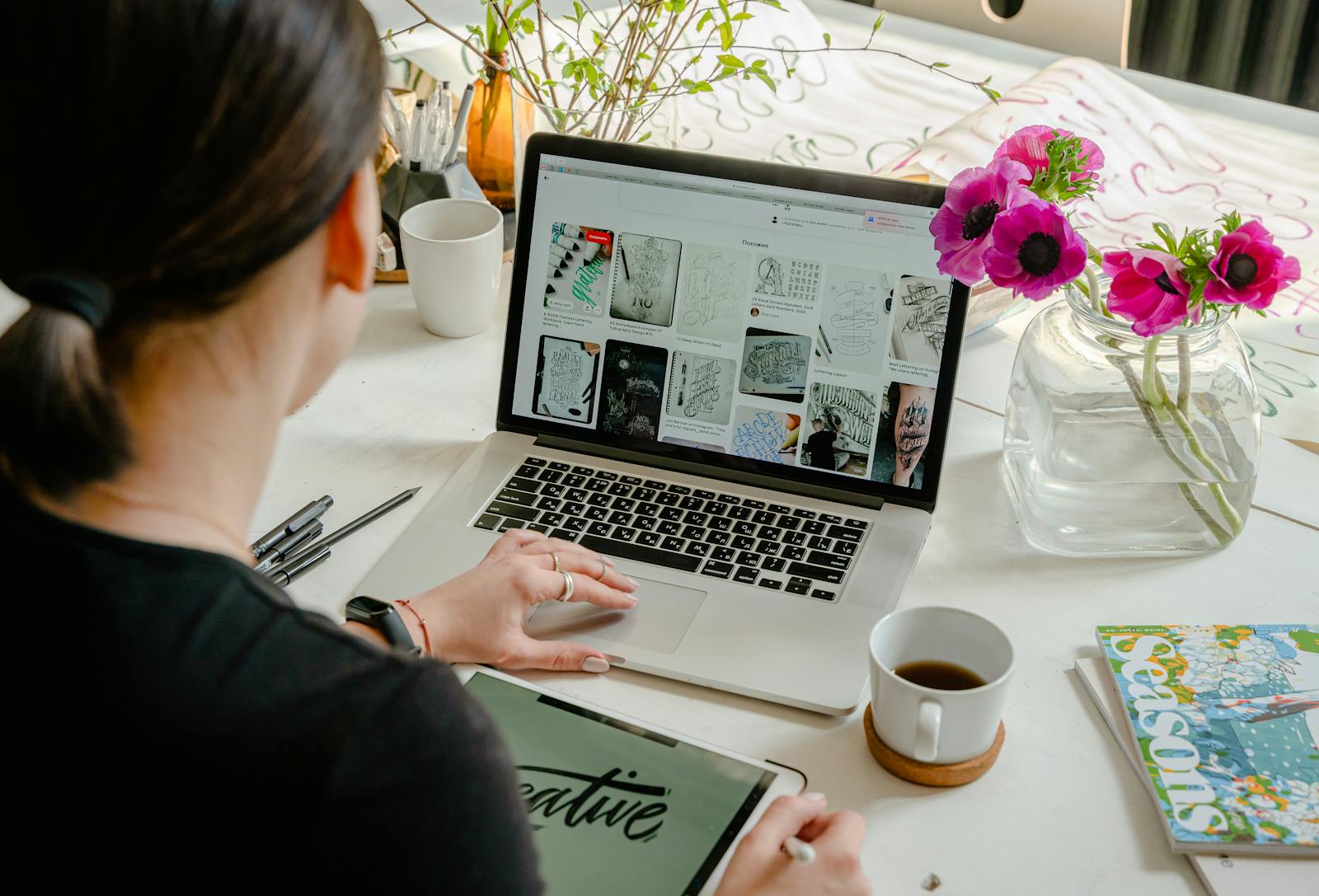
A lot of people assume an AI wallpaper is just typing a couple of words and hitting generate. In reality, getting a wallpaper that actually looks good on a phone screen — sharp at the edges, properly framed, no strange artifacts near the punch-hole camera area — takes a fair bit of testing. We treat it less like typing a search query and more like briefing an illustrator, describing exactly what the final image should feel like before a single pixel is generated.
🛠️ Our 4-Step Process
- Idea & theme — pick a style based on what is trending on Threads, Reddit, or search (anime skies, dark fantasy, retro Japanese, satellite views, and more)
- Prompt writing — describe the subject, lighting, color palette, and mood in plain language, then attach our standard quality formula
- Generation & selection — run the prompt through Midjourney, generate multiple variations, and pick the one with the cleanest composition
- Upscale, tag & publish — upscale to full 4K, convert to WebP for fast loading, write the title and tags, and publish it to the AI wallpaper section
Step one sounds simple but it is where most of the actual decision-making happens. Before any prompt gets written, we look at what people are already searching for and sharing — a spike in "aesthetic wallpaper" searches, a trending Reddit post about dark academia, a Threads comment asking for something specific. That research decides which style gets priority that week, rather than picking a theme at random. Once a direction is chosen, the same theme is usually developed into three or four related prompts rather than just one, so the AI wallpaper section grows as a small connected set rather than a single isolated image.
Step three, generation and selection, is also more involved than it sounds. A single prompt rarely produces a perfect result on the first try. Midjourney typically returns four variations per generation, and it is common to run the same prompt two or three times before one variation has clean edges, correct proportions, and no strange artifacts in the corners. Anything with distorted detail, odd symmetry, or a messy focal point gets discarded, even if the colours look good — a wallpaper only earns a place on WallNest HD if it would look genuinely intentional on someone's lock screen, not just technically generated.
🏷️ After Generation: Tagging & SEO
Generating the image is really only half the work. Every AI wallpaper still needs a proper title, a short description, alt text, and a set of tags before it is ready to publish — the same SEO package we write for every regular wallpaper on the site. Without this step, an AI wallpaper is just a file sitting in a folder; nobody searching Google will ever find it. This is also where each image gets connected to a category page, so visitors who land on an AI wallpaper can browse related styles instead of hitting a dead end.
Mistakes We Made Early On
The AI wallpaper section did not start out this organised. In the beginning, prompts were shorter and less specific, which meant a lot of inconsistent results — some wallpapers came out sharp and usable, others looked slightly off in ways that were hard to pin down until they were compared side by side. A few early uploads also had the aspect ratio wrong, generated at 16:9 and stretched into a 9:16 slot, which distorted the composition. Building the standard prompt formula described below, and sticking to it strictly instead of writing a fresh prompt structure every time, fixed most of these problems within a few weeks.
The Prompt Formula We Use
Every single prompt we write, no matter the subject, ends with the same closing formula. This keeps the render quality and sharpness consistent across every wallpaper in the AI collection, whether it is a quiet nature scene or a busy neon cityscape.
The --ar 9:16 part sets the aspect ratio for phone wallpapers — we switch it to --ar 16:9 when generating desktop wallpapers. The --style raw flag keeps Midjourney from adding its own artistic flourishes, and --q 2 pushes the render quality higher so fine detail holds up even when the wallpaper is zoomed in on a large phone screen.
Two Examples From Our Collection
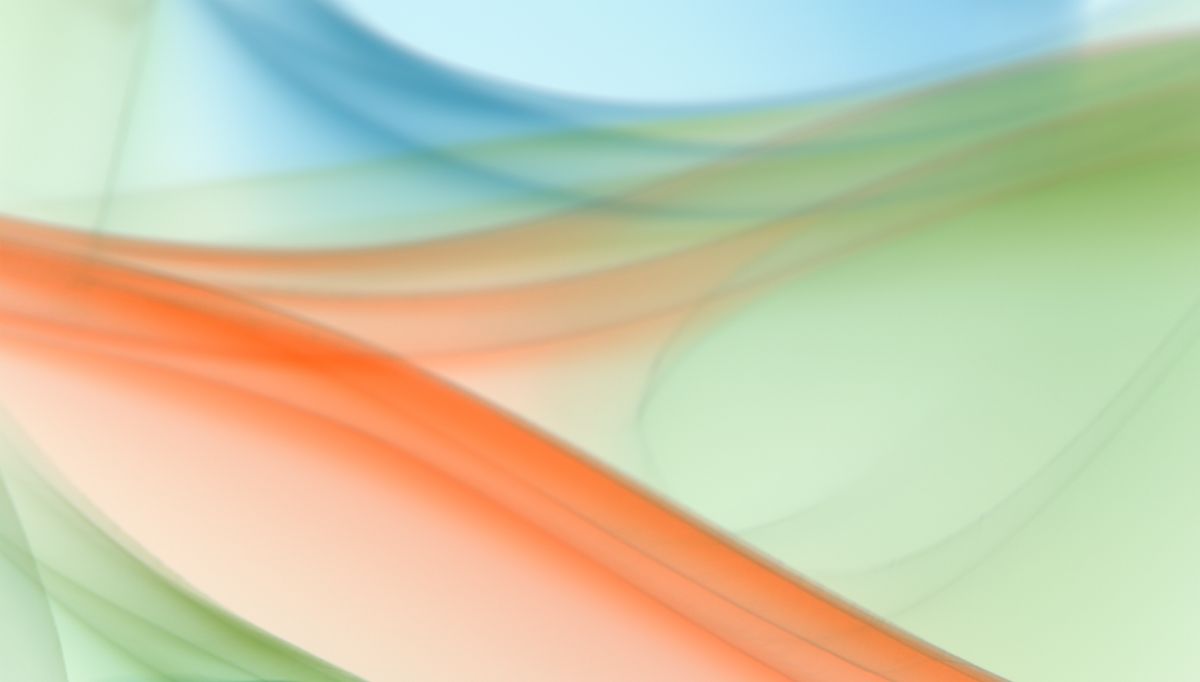
Flowing Colour Abstract
For this style, the prompt focuses on smooth, ribbon-like colour transitions rather than hard shapes — words like "fluid", "flowing", and "soft gradient blend" guide Midjourney toward gentle movement instead of sharp geometric patterns. This is one of our most requested AI styles because it works on almost any home screen without clashing with app icons.
View AI Wallpapers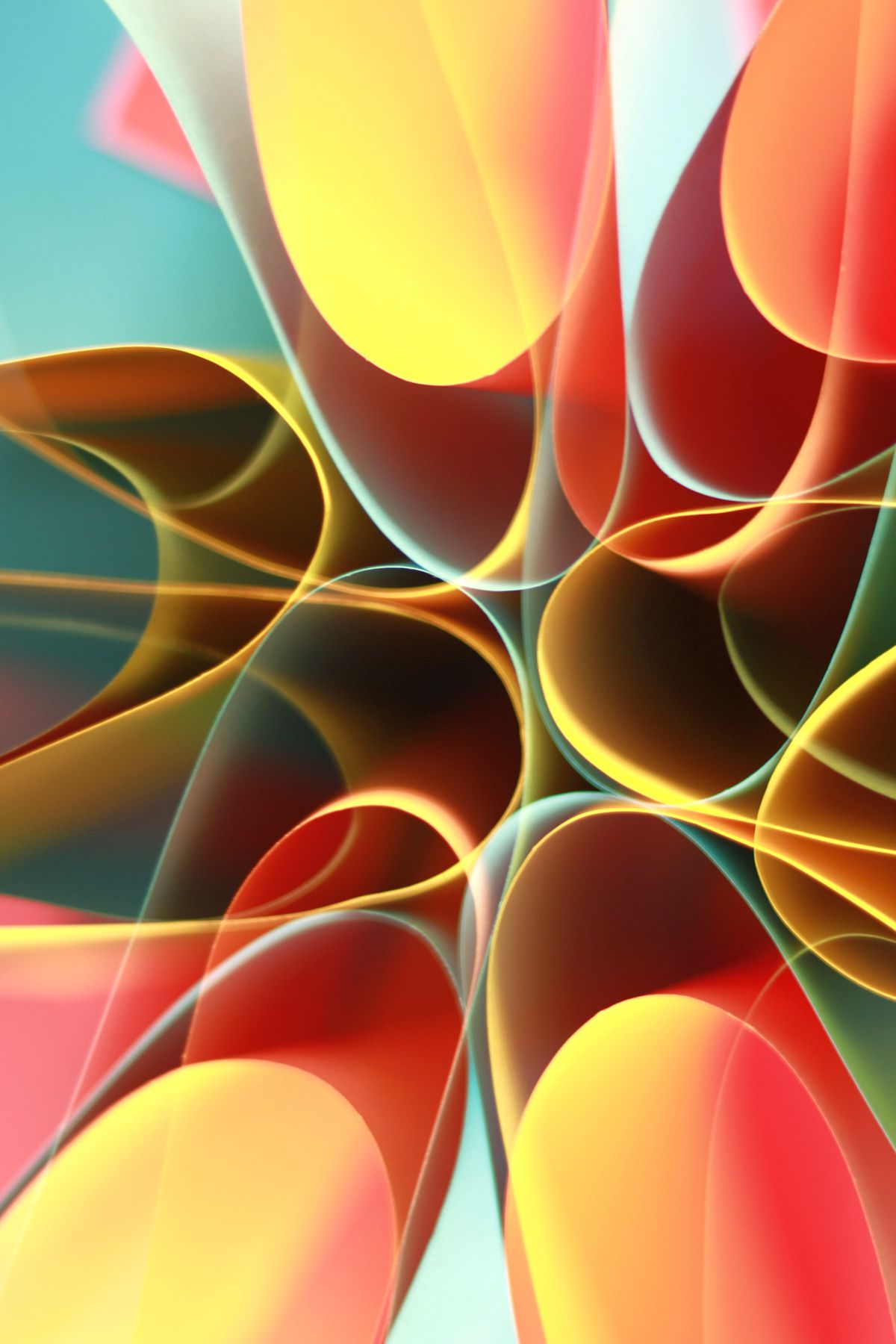
Vivid Kaleidoscope Pattern
This style needs more precise prompting than most — without a strict description of symmetry and repetition, Midjourney tends to drift toward messier compositions. We usually generate 6 to 8 variations of a pattern prompt before one comes back sharp and balanced enough to publish in 4K.
View AI WallpapersOther Styles We Regularly Create
💡 What We've Learned From Publishing 100+ AI Wallpapers
- Vague prompts give vague results — the more specific the lighting and colour description, the more consistent the output
- Portrait-oriented prompts (9:16) need extra care near the top of the frame so nothing important sits behind the camera cutout
- Not every generation is a keeper — most prompts get run several times before one is good enough to publish
- Upscaling to true 4K after generation matters more than people expect — it is the difference between a sharp wallpaper and a slightly blurry one when zoomed in on the lock screen
People sometimes assume a single AI wallpaper takes a few minutes from start to finish. In practice, a new style usually takes somewhere between thirty minutes and an hour once research, prompt writing, several generation attempts, upscaling, and the SEO write-up are all counted together. A familiar style that already has a proven prompt template is much faster to produce, which is part of why we keep a running note of what worked well for each category instead of starting from a blank page every single time. Over months, that small habit has probably saved more time than any single technical fix to the site.
Common Questions
Browse our full AI wallpaper collection, or explore our abstract wallpapers and space wallpapers — all free to download in Ultra HD resolution.


