
Best 4K Wallpapers for iPhone 17 & 17 Pro Max (2026) — Free Download
Looking for the best iPhone 17 wallpapers? Here are 10 free 4K wallpapers, hand-picked to look sharp on the iPhone 17, iPhone 17 Pro and iPhone 17 Pro Max. You will find starry mountain nights, a glowing full moon, sunset skies and clean abstract colour art, all cut in tall portrait format at 1320 x 2868 pixels. The iPhone 17 series has the brightest and smoothest display Apple has made so far, and a great wallpaper is the best way to show it off. Below you will also find the right wallpaper size for each model, a simple guide to set it, and easy tips for a better Lock Screen on iOS 26 and iOS 27.
Apple launched the iPhone 17 series in September 2025, and a year later it is still one of the most popular phone lineups in the world. If you own an iPhone 17, an iPhone 17 Pro or the big iPhone 17 Pro Max, you already have a stunning screen. The wallpaper is what you see every single time you pick up the phone, so it makes sense to give it a little care. This guide brings you ten free iPhone 17 wallpapers in 4K quality, plus the exact sizes you need, an easy way to set them, and simple tips to make your Lock Screen look clean and sharp.
All three phones use a Super Retina XDR OLED display with ProMotion, which means the screen can refresh up to 120 times every second, and peak brightness outdoors can reach 3,000 nits. The iPhone 17 and iPhone 17 Pro have a 6.3-inch screen with 1206 x 2622 pixels. The iPhone 17 Pro Max has a larger 6.9-inch screen with 1320 x 2868 pixels. All of them sit at about 460 pixels per inch, so small details look very crisp. Please check Apple's official page for the final specs. The important point is the shape: the screen is tall and narrow, so you need a portrait wallpaper, not a wide desktop picture. A landscape image gets cut badly on a phone, and a low-quality picture looks soft on such a sharp display.
That is why every wallpaper in this guide is cut in tall portrait format at 1320 x 2868 pixels. This is the exact size of the iPhone 17 Pro Max screen, and it is a little bigger than the screen of the iPhone 17 and iPhone 17 Pro, so one file fits all three phones with no stretching and no blur. It is also far above Full HD (1080 x 1920), the old standard for phone wallpapers. On a 460 PPI display a Full HD image has to be stretched, and it can look soft. A bigger file keeps stars, leaves and grains of sand clean.
📱 Best Wallpaper Size for iPhone 17, 17 Pro & 17 Pro Max
- iPhone 17 & iPhone 17 Pro: 1206×2622 px (6.3-inch OLED)
- iPhone 17 Pro Max: 1320×2868 px (6.9-inch OLED)
- iPhone Air: 1260×2736 px (6.5-inch OLED)
- Best all-round file: a 4K portrait image (about 2160×4680 px) so iOS can crop, zoom and move it without blur
- Always choose portrait, not landscape, to avoid stretching or ugly cropping
✨ Why Use 4K Wallpapers on iPhone 17?
- Sharper image: small details like stars, leaves and city lights stay clean, even on the 460 PPI screen
- Room to crop: iOS zooms the wallpaper a little, and a bigger image still looks sharp after the crop
- Smooth parallax: when you tilt the phone, the wallpaper moves slightly, and a high-resolution file keeps this effect smooth
- Deep blacks on OLED: black pixels turn off, so dark wallpapers look richer and can use a little less power
- One file for every model: the same 4K file works on the iPhone 17, 17 Pro, 17 Pro Max and iPhone Air
iPhone 17 vs 17 Pro vs 17 Pro Max: Which Wallpaper Fits?
The three phones look different on the outside, but for wallpapers they are almost the same. The iPhone 17 and iPhone 17 Pro share the same 6.3-inch screen size, and the Pro Max is the same shape in a bigger size. The aspect ratio is about 19.5:9 on all of them, so a tall image cut for one phone works well on the others. If you have a Pro Max, choose wallpapers with a strong subject, such as a mountain, a full moon or a bright sunset sky, because the large screen has more space to show the picture. If you have a smaller iPhone 17 or 17 Pro, choose images with a clear centre and simple shapes, so the picture does not feel crowded behind your icons and widgets. Either way, a dark or deep-colour image will look best on the OLED panel.
Top 10 iPhone 17 Wallpapers in 4K
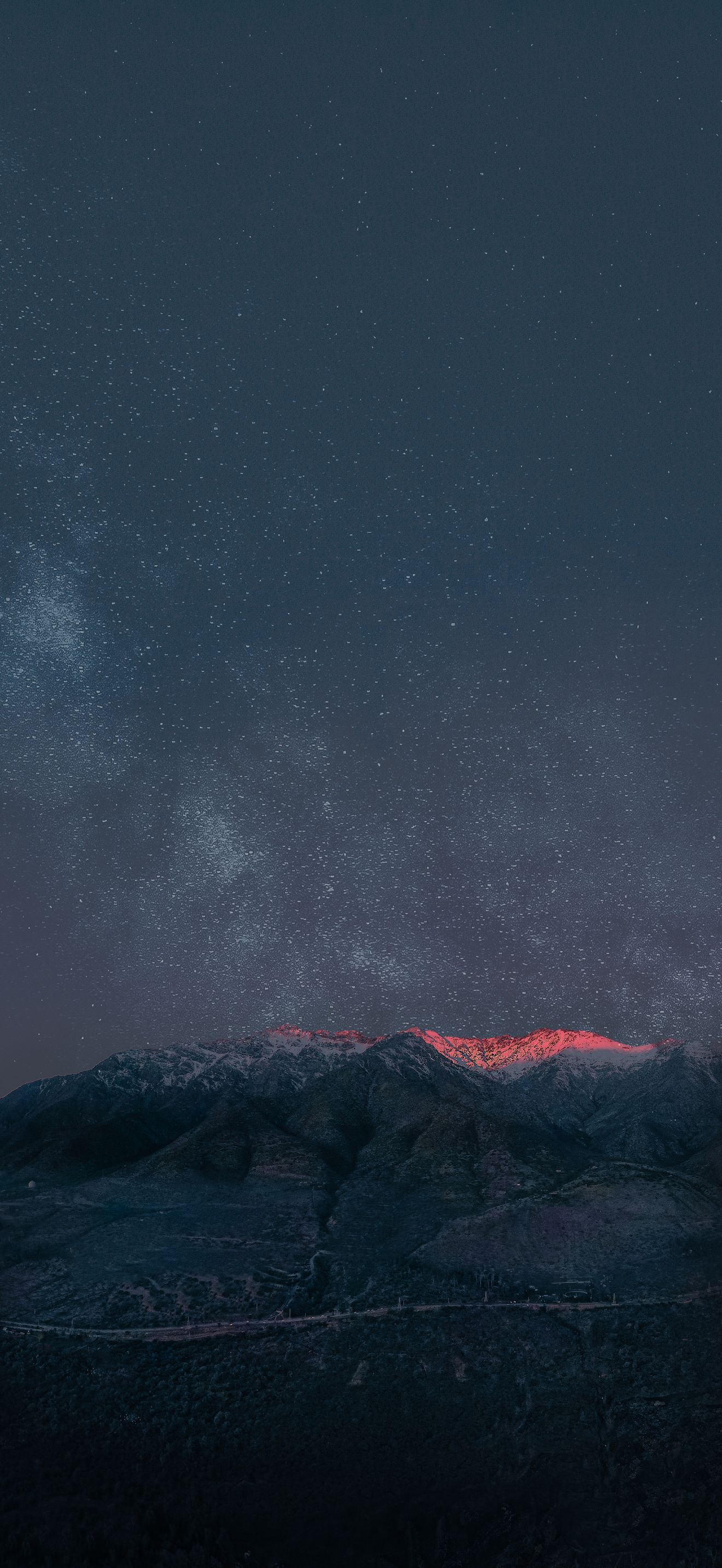
Starry Night Over the Mountains — Deep Dark Sky
A sky full of stars rises above a quiet mountain range. Night scenes like this are a natural match for the iPhone 17 OLED display, because the dark sky stays deep black while the stars stay bright and clean. On the large 6.9-inch Pro Max screen the mountain edge gives the picture a strong base, and the open sky above leaves plenty of room for the Lock Screen clock. At 1320 x 2868 pixels the small stars stay sharp when iOS zooms and moves the image. It is a perfect first wallpaper for anyone who loves space and quiet nights. Free 4K download for iPhone 17, 17 Pro and 17 Pro Max.
View & Download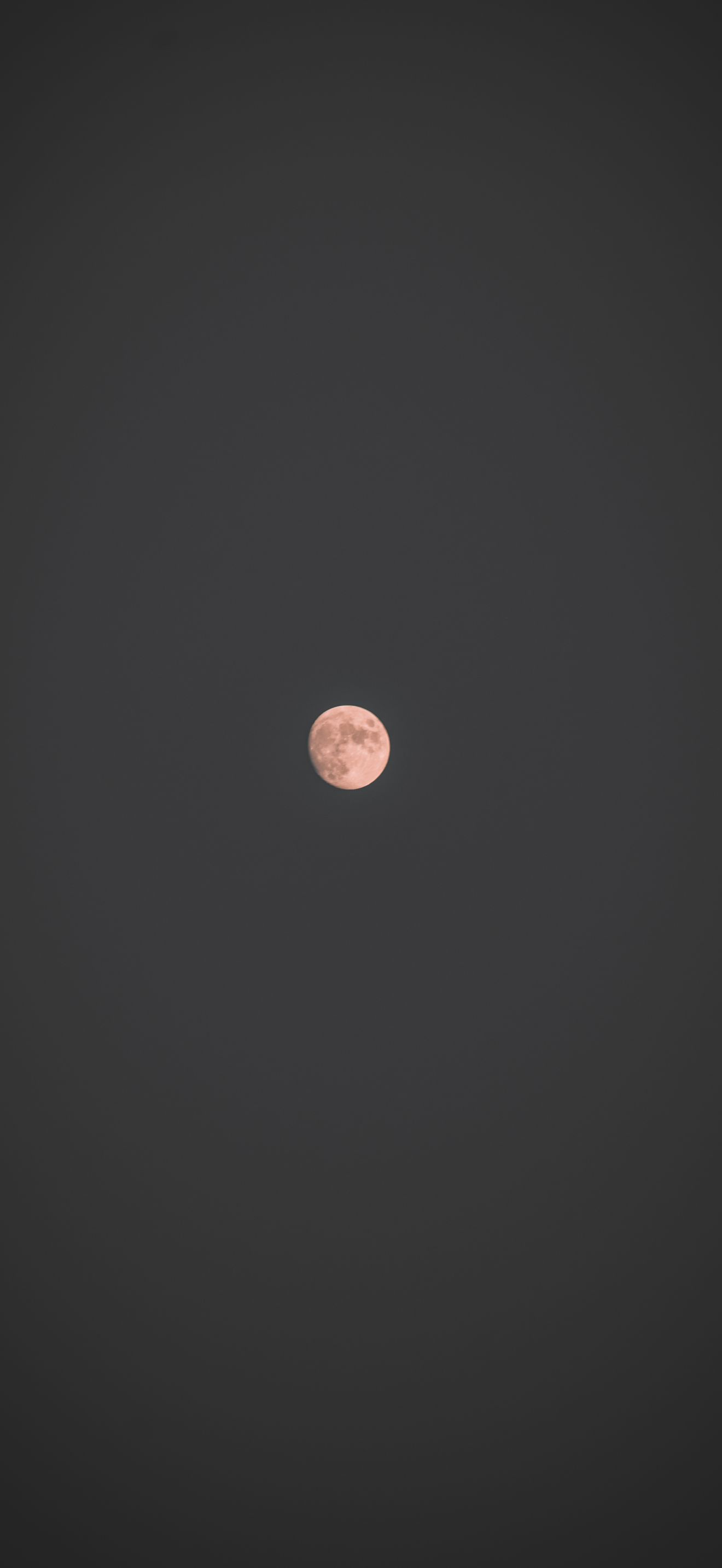
Full Moon in the Night Sky — Pure OLED Black
A bright full moon sits in a vast, dark night sky. This is about as OLED-friendly as a wallpaper can get: almost the whole picture is true black, so those pixels switch off and the moon seems to glow on its own. It is a clean, calm choice, with no clutter behind your icons and widgets, and it works well with a white or silver clock colour. If you want a dark wallpaper that never feels busy, start here. A mostly black image can also use a little less power on an OLED screen. Free 4K download for every iPhone 17 model.
View & Download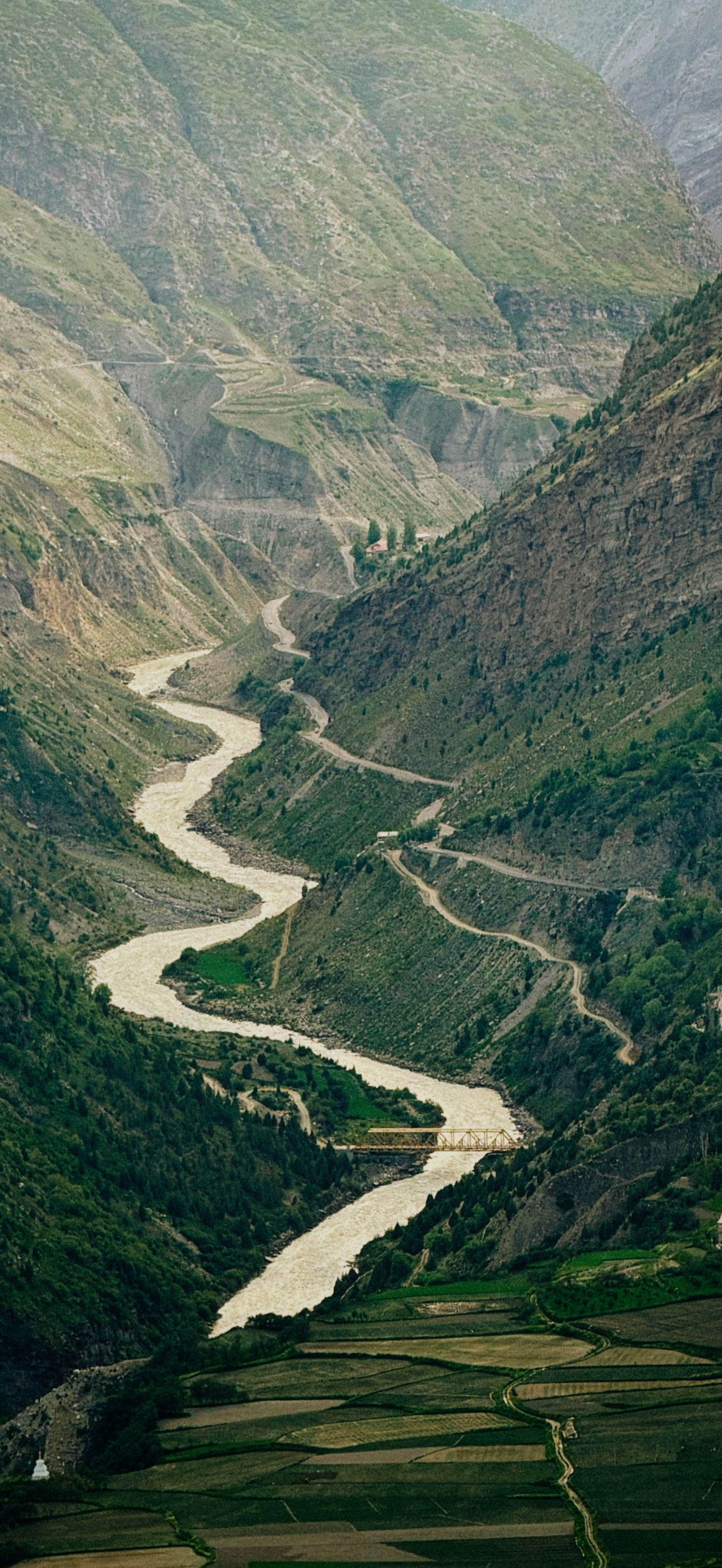
Himalayan River Valley — Green Hills in Keylong
A winding river cuts through the green Himalayan hills near Keylong in Himachal Pradesh. The curves of the water lead the eye through the picture, and the layers of hills give it a natural sense of depth, which works nicely with the parallax effect when you tilt the phone. The rich greens look lively on the bright iPhone 17 display, and the soft light keeps the picture easy on the eyes. Choose it if you want a fresh nature wallpaper that feels calm and open instead of dark. Free 4K download for iPhone 17, 17 Pro and 17 Pro Max.
View & Download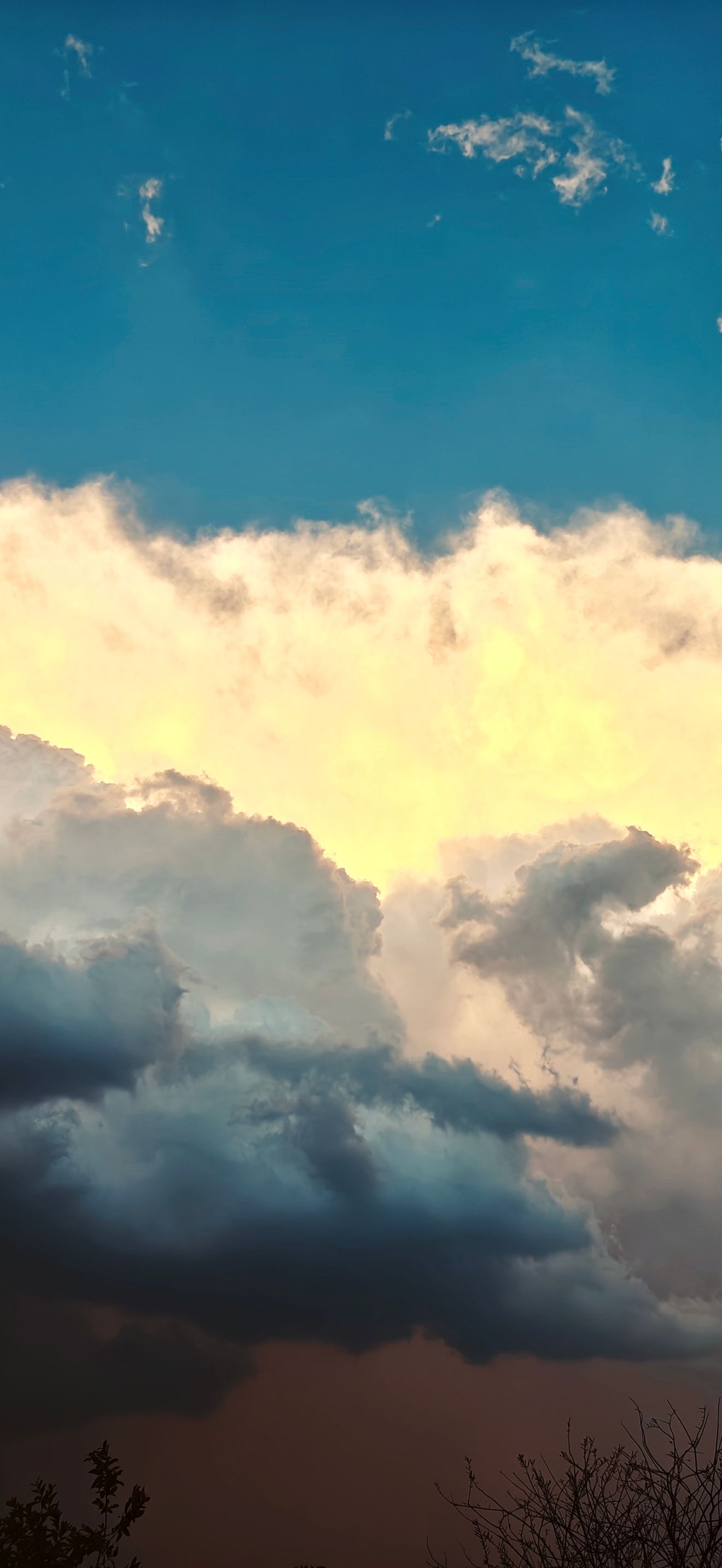
Dramatic Sunset Clouds — Warm Orange Sky
Dramatic clouds light up in contrasting colours at sunset over Koraon in Uttar Pradesh. The warm orange glow against darker clouds is a great match for the Cosmic Orange iPhone 17 Pro, and it looks rich on the OLED screen. Sunset skies make a good Lock Screen because the clouds give the picture movement without adding hard edges that fight with your icons. Use a white clock for the cleanest look, or a warm orange clock for a matching style. A great everyday choice that looks good in both bright and dim rooms. Free 4K download.
View & Download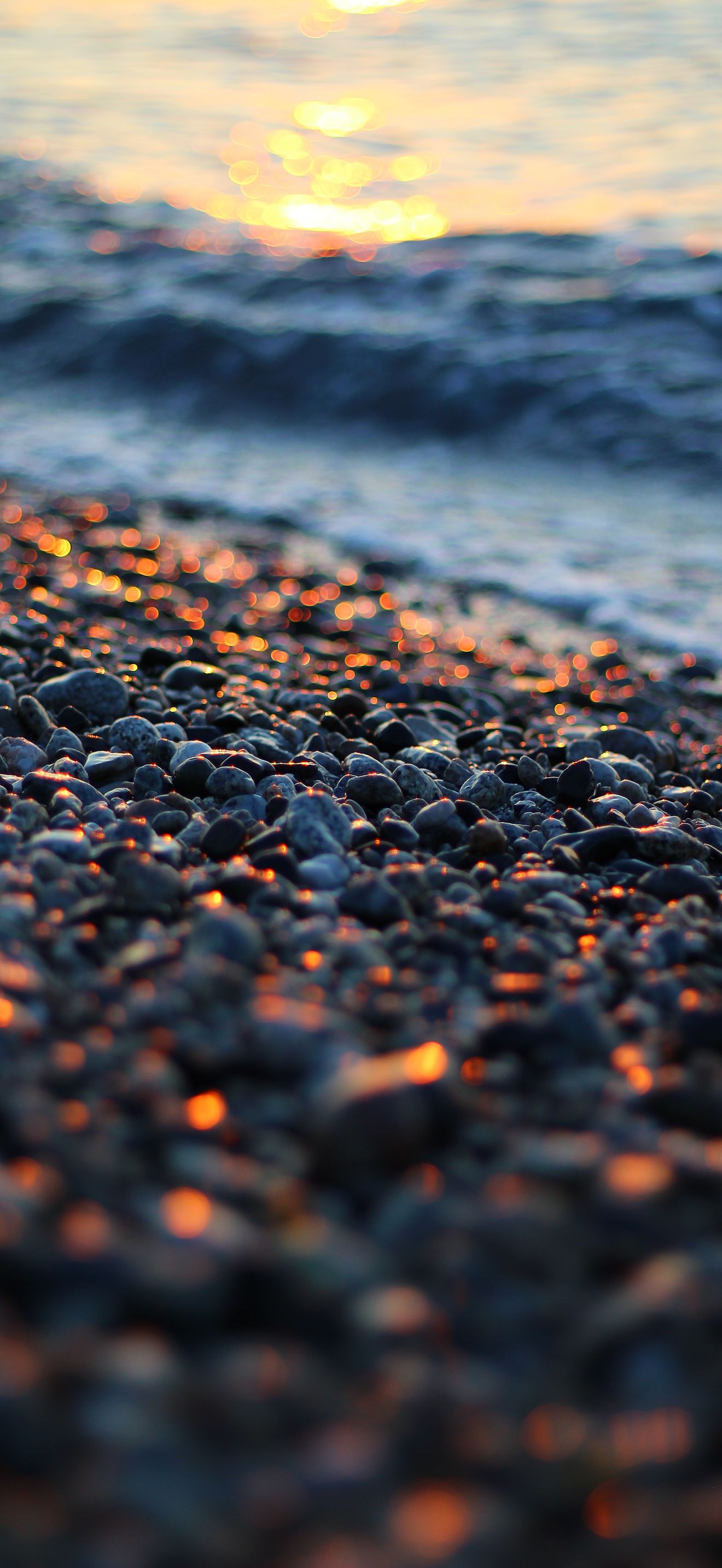
Pebbles at Sunset — Calm Beach Texture
A close view of smooth pebbles reflecting warm sunset light on a beach in Calabria, Italy. The texture is even across the whole screen, which makes it a smart pick if your Home Screen is full of icons and widgets. The tiny details in every stone stay clear at 4K, which shows the benefit of a high-quality image on a 460 PPI display. It feels calm and natural, and the warm tones pair well with light icons. A good choice for people who like a clean, minimal look but still want a real photo instead of a flat colour. Free to download.
View & Download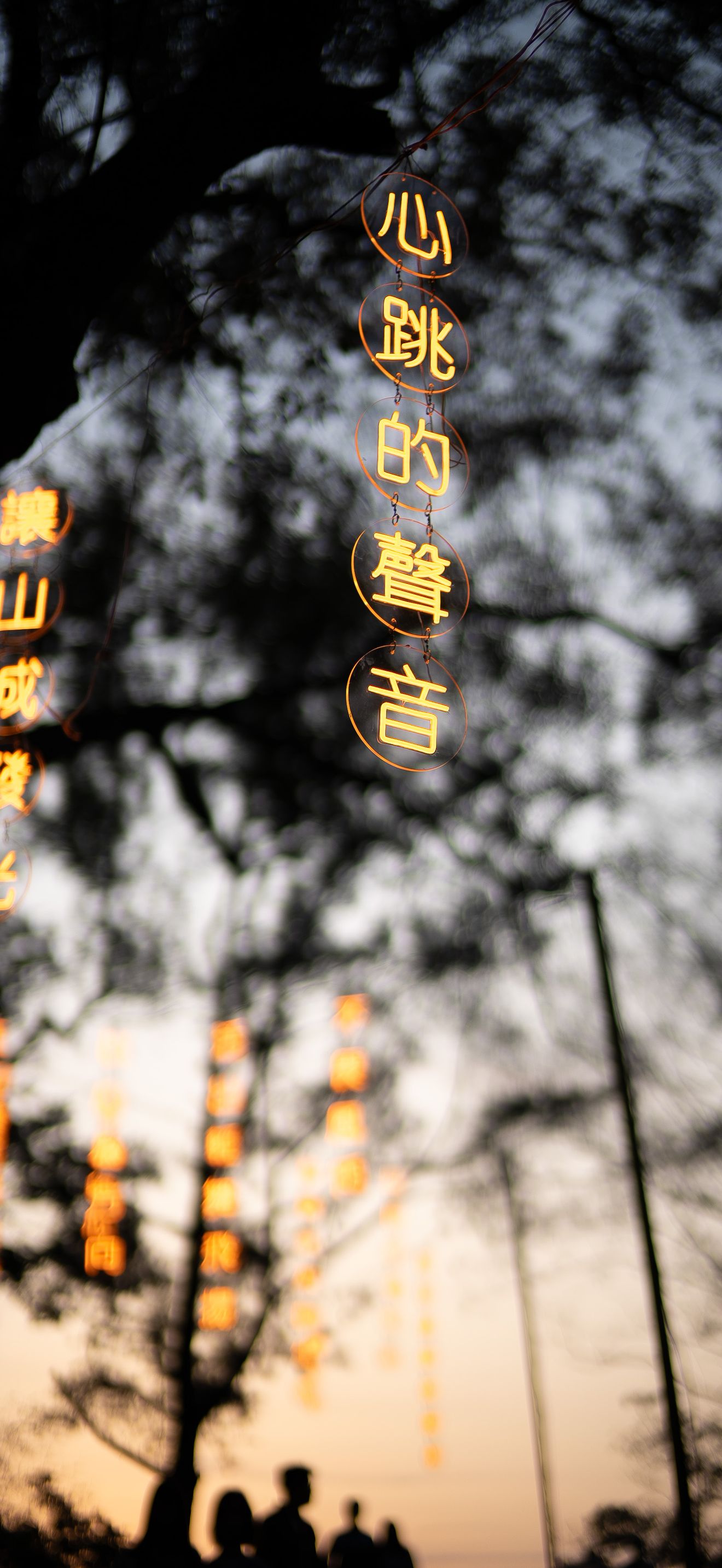
Neon Twilight Silhouette — Trees and Glowing Signs
Dark tree silhouettes stand against the twilight sky in Puli, Taiwan, with glowing neon signs in the scene. The mix of black shapes and bright colour is exactly what OLED panels show best, so the neon looks vivid while the dark areas stay deep. It gives your iPhone 17 a modern night-city mood without a crowded picture. The silhouettes keep the shapes simple, so your icons stay easy to read. A great pick if you like the look of night streets and want something less common than a plain night sky. Free 4K download.
View & Download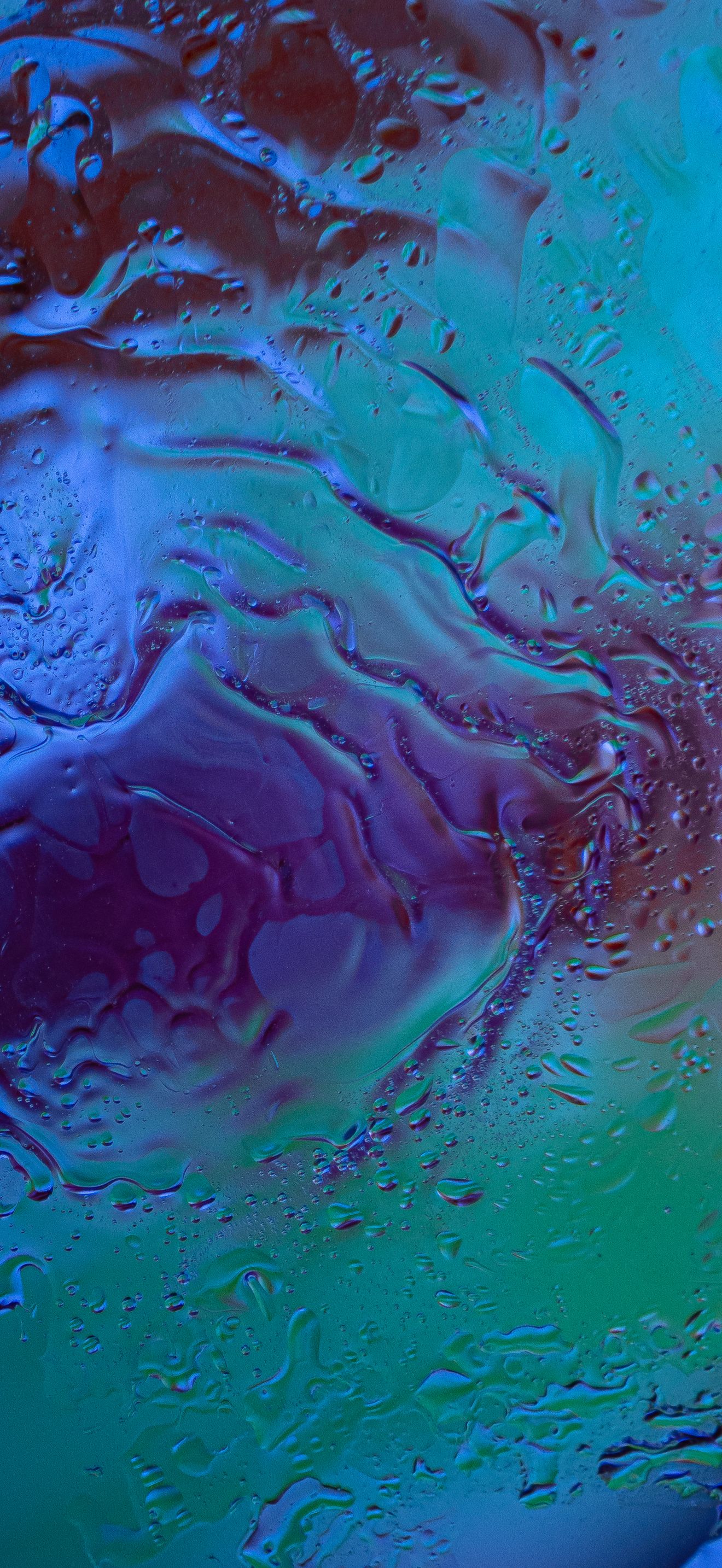
Abstract Water Texture — Blue, Purple and Green
A colourful abstract background with a water-like texture that blends blue, purple and green. Smooth colour blends are a good test for your new display, because a weak file shows ugly bands, while a high-resolution 4K file keeps every transition clean. It feels fresh and modern, and it works well with both light and dark icons. If you like an aesthetic look without a detailed photo behind your apps, this is a strong pick. Match your clock to the blue tones for a clean, matching Lock Screen. Free 4K download for iPhone 17, 17 Pro and 17 Pro Max.
View & Download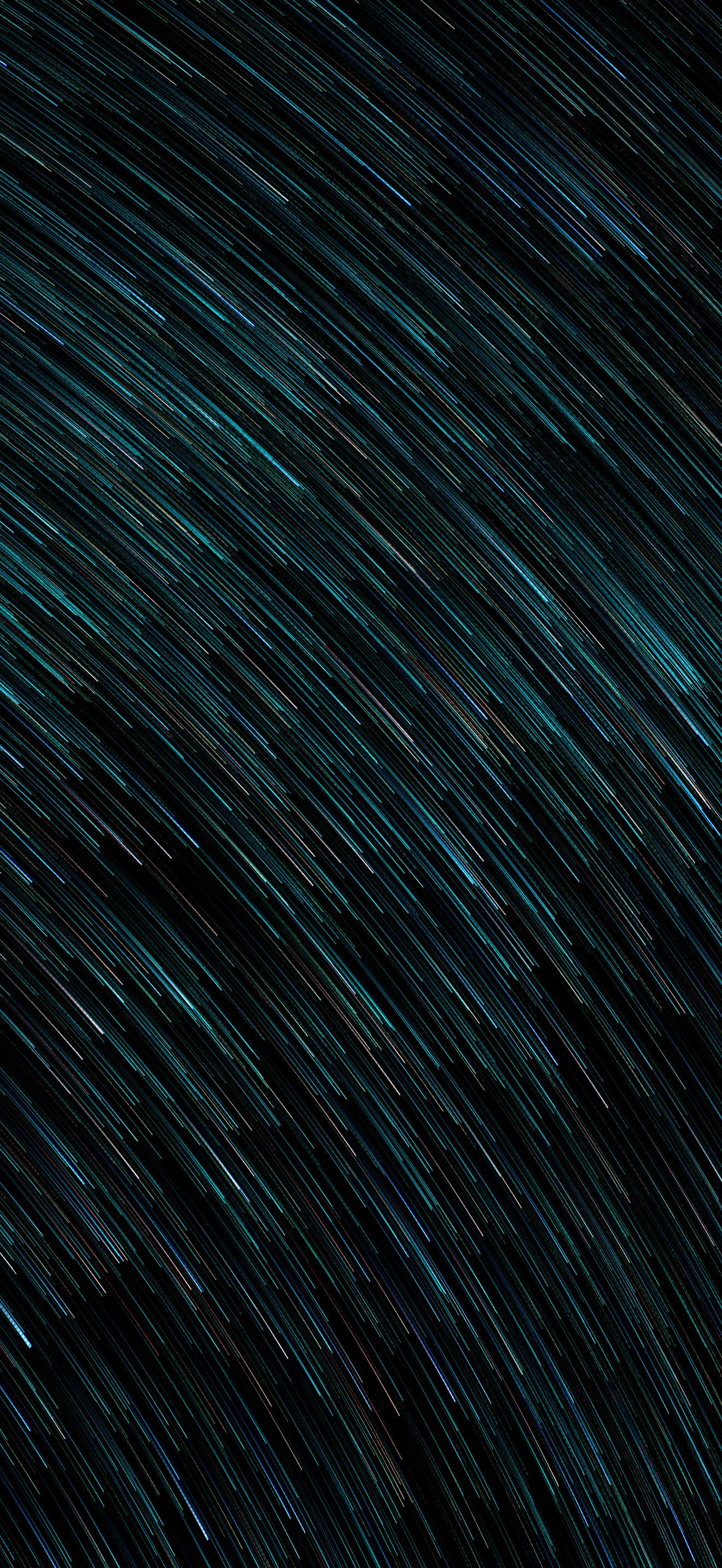
Turquoise Light Trails — Glowing Lines on Black
Glowing turquoise light trails flow across a dark background in this abstract wallpaper. The black areas switch off on an OLED screen, so the bright lines look like they are floating above the glass. It has a modern, tech feel, and the lines stay thin enough to keep your icons readable. Pair it with a white or light-blue clock for a clean look. This is one of the best choices here if you want something bold but still dark. Free 4K download.
View & Download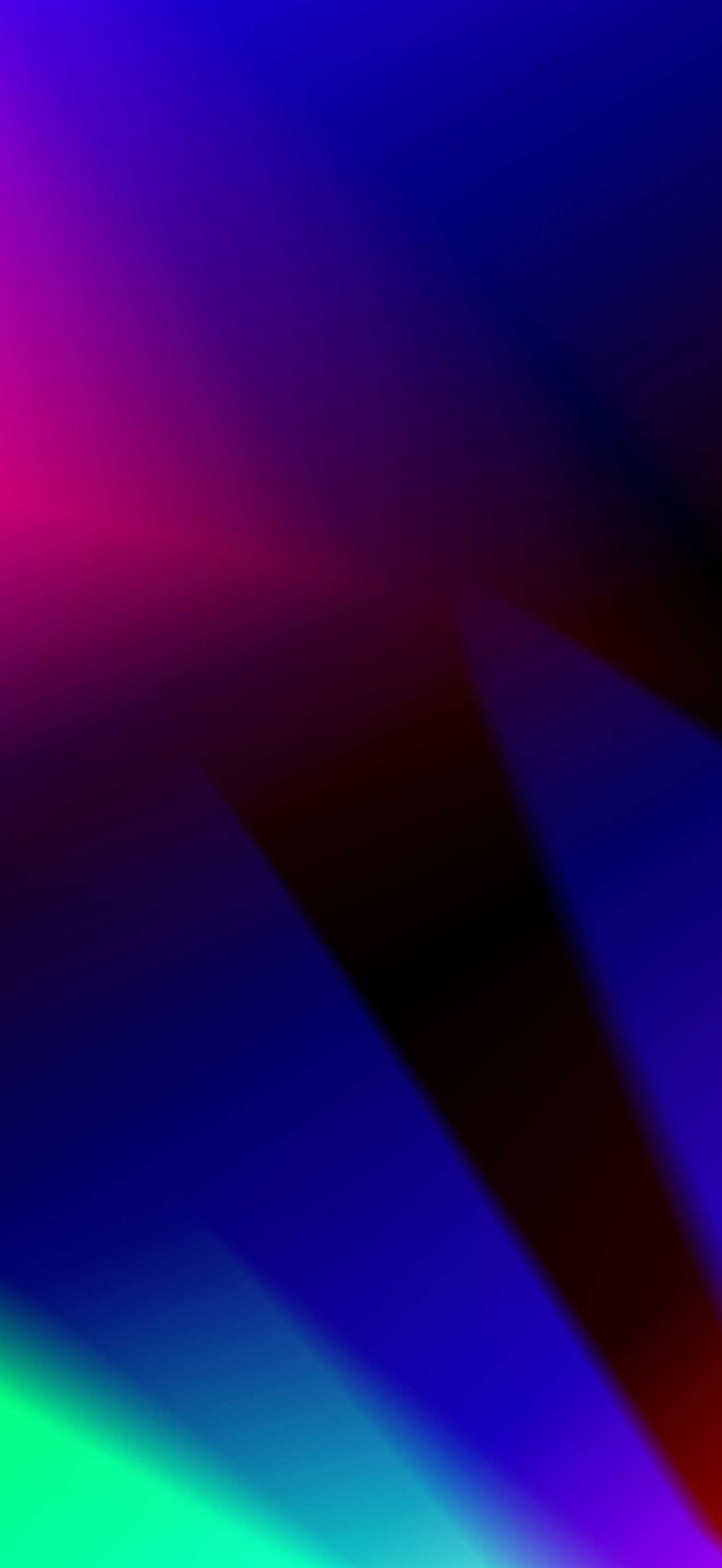
Colours in Darkness — Glowing Abstract Gradient
A dark abstract gradient where vibrant colours glow out of the shadows with soft light effects. Because most of the picture is dark, it keeps the deep OLED blacks you want while adding a splash of colour. The soft, blurred shapes do not compete with your icons, so the Home Screen stays clean. It is a good bridge between a plain black wallpaper and a bright colourful one. Try it with a bold, coloured clock to match one of the glowing tones. Free 4K download for every iPhone 17 model.
View & Download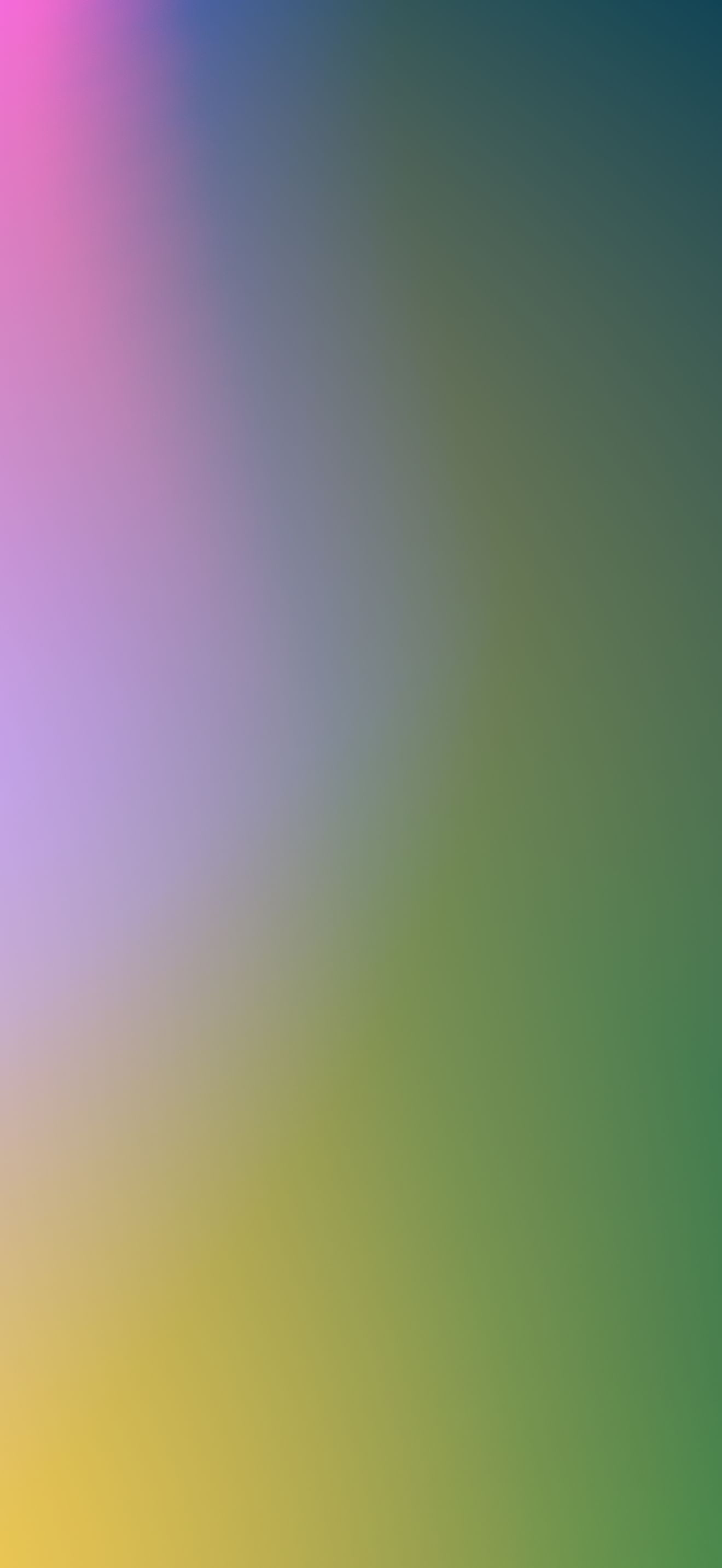
Green, Pink and Yellow Gradient — Fresh and Bright
A bright, smooth gradient in green, pink and yellow. If dark wallpapers feel too heavy, this is a cheerful alternative. The colours blend softly, so the picture feels light and fresh, and it matches the brighter iPhone 17 colours well. Because the image has no hard edges, your widgets and icons stay easy to see. A high-resolution file matters for gradients like this, since a low-quality one can show visible colour bands, and at 4K the blend stays smooth. Switch to it whenever you want a happy, colourful Lock Screen. Free to download.
View & DownloadHow to Choose the Right Wallpaper for Your iPhone 17
Dark and space wallpapers. If you want the best contrast, choose a dark image with deep blacks, such as the full moon and starry night wallpapers above. OLED screens turn off the pixels that show pure black, so the colours around them stand out more, and the phone can use a little less power. The saving is small, but the look is real, and it is the main reason dark wallpapers are so popular on the iPhone 17 series.
Warm nature wallpapers. Sunset clouds and golden beach pebbles are easy on the eyes and work well all day. Pick them if you like a gentler look and use your phone a lot in bright daylight, because warm colours stay readable outdoors.
Minimal and texture wallpapers. If your Home Screen is full of widgets and apps, an even texture like the pebble beach keeps everything readable. A busy image behind many icons makes the screen feel noisy, while a calm pattern lets the icons do the talking.
Abstract and colourful wallpapers. Water textures, light trails and soft gradients are a good match for lighter phone colours and clear cases. They are popular for Lock Screens with a bold clock and just a few small widgets, and smooth colour blends look best in a high-resolution file.
iPhone 17 Lock Screen Tips for iOS 26 and iOS 27
The iPhone 17 series launched with iOS 26, which brought the Liquid Glass design and a Lock Screen clock that can grow to fill the empty space on the screen. This means the top part of your wallpaper matters more than before. Choose an image with a calm area at the top, such as dark sky, soft light or a smooth gradient, so the big clock stays easy to read. The depth effect, which places part of the clock behind a subject in the photo, works best when the subject has clear edges, such as a mountain ridge or a tree line. If you update to iOS 27, your saved wallpapers keep working, so you do not need to download them again.
🔍 Keep Full Quality When You Save
- Open the wallpaper on WallNest HD and choose the 4K download option for the best quality
- Save the file to Photos or Files, then set it from there
- Do not send wallpapers through chat apps such as WhatsApp, because they compress the image and you lose sharpness
- Do not use a screenshot of a wallpaper preview, because it is lower quality than the original file
📲 How to Set a Wallpaper on iPhone 17 & 17 Pro Max
- Download the wallpaper from WallNest HD and save it to your Photos app (press and hold the image and choose Add to Photos if needed)
- Open Settings and tap Wallpaper
- Tap Add New Wallpaper, then choose Photos and select your image
- Pinch to zoom or drag until the crop looks right
- Tap Add, then set it as a wallpaper pair, or customise the Home Screen to use a different look
Common Questions
What is the best wallpaper size for iPhone 17 Pro Max?
What is the best wallpaper size for iPhone 17 and iPhone 17 Pro?
Are these iPhone 17 wallpapers really free?
Is Full HD (1080 x 1920) enough for an iPhone 17 wallpaper?
Which wallpaper style looks best on the iPhone 17 OLED screen?
Do these wallpapers also work on iPhone 18, iPhone 16 or iPhone Air?
Do dark wallpapers save battery on iPhone 17?
Can I use the same wallpaper on the Lock Screen and Home Screen?
💡 Quick Tips for a Better iPhone 17 Lock Screen
- Keep the top third of the image calm, such as dark sky, space or a smooth gradient, so the time and date are easy to read
- Match the clock colour to your wallpaper, for example warm orange on the sunset clouds or cool white on the full moon
- Use dark wallpapers on OLED to get deeper blacks and a small saving in battery
- Link a different wallpaper to each Focus mode, such as a calm pebble texture for Work and a night sky for Personal time
- Change your wallpaper with the season. A small change keeps your phone feeling new, and we add fresh 4K wallpapers every week
Many of our wallpapers are made with AI tools, then upscaled to 4K and compressed for fast loading. We also feature selected free photos from trusted sources such as Pexels, Unsplash, Pixabay and NASA. Browse our full collection of dark AMOLED wallpapers, space wallpapers, and nature wallpapers — all free to download in Ultra HD resolution, ready for every iPhone 17 model. Want more Liquid Glass looks? Read our guide to the best iOS 27 wallpapers, or check the best wallpaper size for every phone in 2026.


