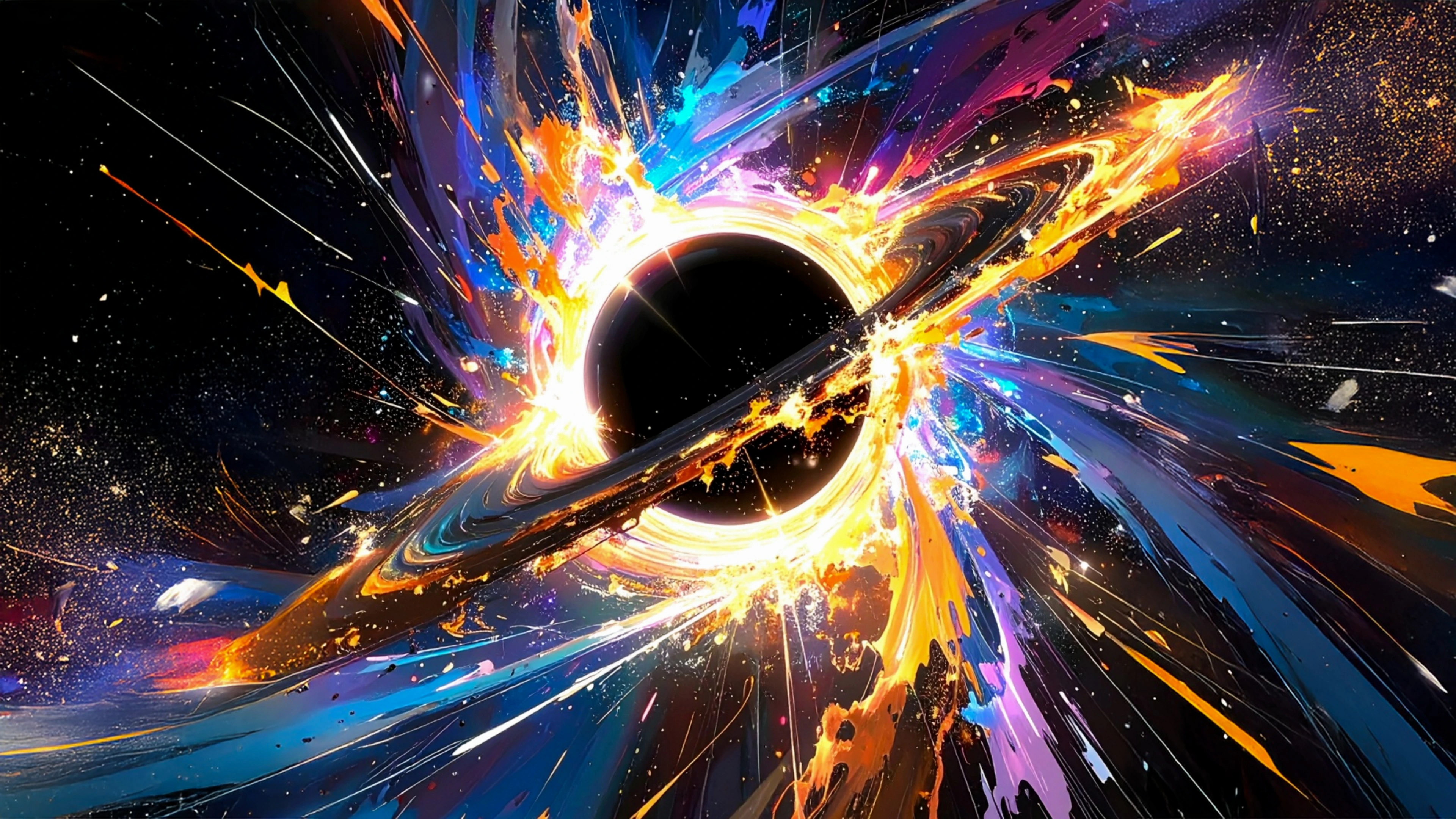
Best 4K Wallpaper for Samsung Galaxy S25 Ultra in 2026 — Free Download
Samsung built the Galaxy S25 Ultra around its screen. The 6.9-inch Dynamic AMOLED 2X display is flat, bright and packed with 3120×1440 pixels, and it is protected by Corning Gorilla Armor 2 to cut reflections. If you use a stock wallpaper or an old image you saved years ago, you are not seeing what the display can do. A sharp, colour-rich 4K wallpaper makes the phone look newer, makes the lock screen more personal and even helps the Always On Display look cleaner.
This page is a practical guide for S25 Ultra owners. We show you the exact specs that matter, explain how to choose a wallpaper for One UI, and give you ten free wallpapers that we checked against the lock screen clock, the home screen grid and the edge panel. Every image is available in Original, 4K, 6K and 8K from WallNest HD, so you are free to choose the quality and file size that suits you.
Galaxy owners in India, the United Kingdom and the United States have different habits. Many buyers in India like bright, colourful and anime-inspired art, while a lot of users in the UK and US choose darker, minimal and natural scenes. We included both, so you can pick what fits your style.
⚡ The Quick Answer
The best 4K wallpaper for the Samsung Galaxy S25 Ultra in 2026 is a portrait image of at least 1440×3120 pixels (QHD+) with rich colour for the Dynamic AMOLED 2X panel and a clear space at the top for the clock and centred punch-hole camera. Here are 10 free WallNest HD wallpapers made for this phone, from dark foliage and aurora skies to nebulae, desert sunsets and futuristic 3D landscapes.
Galaxy S25 Ultra Display Specs for Wallpaper Fans
The table below lists the display details that decide which wallpaper looks best on this phone.
| Screen size | 6.9-inch flat Dynamic AMOLED 2X |
| Native resolution | 3120 × 1440 pixels (QHD+, about 498 ppi) |
| Aspect ratio | 19.5:9 (portrait) |
| Refresh rate | Adaptive 1–120 Hz |
| Brightness | Up to 2600 nits peak |
| Front camera | Centred punch-hole at the top |
| Best wallpaper size | 1440 × 3120 or larger (4K portrait: 2160 × 3840) |
| Best file format | High-quality JPEG or PNG |
Does the S25 Ultra Need a 4K Wallpaper?
The S25 Ultra screen is 1440 pixels wide, higher than the 1080-pixel width many phones still use. That means a wallpaper with a small width will look soft here, especially in text-free areas like skies and gradients, where compression bands are easy to spot. A 4K source gives you cleaner gradients, smoother curves and room to scroll across home screens without losing sharpness.
One UI also lets the wallpaper move slightly as you swipe between home screens. To avoid blur or visible edges, download a file larger than the screen. On WallNest HD the 4K version is the sweet spot for the S25 Ultra, while 6K and 8K versions are ideal if you also want to reuse the image on a tablet like the Galaxy Tab S10 or a desktop.
How to Pick a Wallpaper for One UI
Start with the camera. The punch-hole sits at the top centre, so avoid placing a bright detail or a face exactly there. A dark or soft sky area works well. Then think about the lock screen clock, which can be large and bold in One UI. Images with a calm upper third keep it readable, and wallpapers with a tall subject can use the depth effect, where the clock sits behind part of the picture.
Next, consider your Always On Display. On this AMOLED screen it shows the lock screen wallpaper in a dim form, and dark wallpapers look best and save the most power. Finally, pick colours that suit your Titanium finish: Titanium Silverblue, Titanium Black, Titanium Gray or Titanium Whitesilver. Cool blues and metallic grays look natural on all four, while warm sunsets add contrast.
10 Best 4K Wallpapers for Samsung Galaxy S25 Ultra
All ten wallpapers are cut for the 19.5:9 QHD+ screen. Tap View & Download to open the wallpaper page and choose your preferred resolution.

Dark Moody Foliage — Dark 4K
Dark, moody foliage with deep shadows. Dark pictures are where the Dynamic AMOLED 2X panel looks best, because the shadows stay truly deep and the leaves stand out against them. The calm composition keeps icons and widgets easy to read, which makes it a great first pick for the S25 Ultra. Best for: dark mode fans, battery savers and Titanium Black owners.
Download Free — 4K
Aurora With Stars and Milky Way — Aurora 4K
An aurora glowing over a sky full of stars and the Milky Way. The dark sky is ideal for an AMOLED screen, and the green and violet glow looks vivid with Samsung's colour tuning. The tall portrait crop gives the clock a quiet background on the lock screen. Best for: stargazers and Always On Display users.
Download Free — 4K
Milky Way Night Sky — Space 4K
The Milky Way stretching across a dark night sky. Thousands of small stars show off the QHD+ resolution of the S25 Ultra, and the black sky switches pixels off, which is gentle on the eyes at night. A classic choice for space lovers. Best for: space fans and night-time use.
Download Free — 4K
Colourful Space Nebula — Space 4K
A glowing nebula in deep space. The bright clouds against the dark background are exactly what an AMOLED panel does well, and the soft colour transitions stay smooth without banding. It adds colour to the lock screen without making the home screen busy. Best for: space fans and colour lovers.
Download Free — 4K
Tree Branches at Purple Twilight — Twilight 4K
Bare tree branches against a purple twilight sky. The dark branches give a clear shape on a soft gradient, so the picture feels both artistic and calm. The smooth purple sky is friendly to the clock and to widgets. Best for: twilight lovers and minimal aesthetics.
Download Free — 4K
Abstract Blue Digital Landscape — Abstract 4K
An abstract digital landscape in blue tones. The clean, technical look suits the modern design of the S25 Ultra, and the cool colours look sharp on the flat QHD+ display. A good match for Titanium Silverblue. Best for: tech lovers and Titanium Silverblue owners.
Download Free — 4K
Futuristic 3D Geometric Landscape — 3D Art 4K
A futuristic 3D landscape built from geometric shapes. The clean edges stay crisp on a 3120×1440 screen, and the structured design looks tidy behind app icons. A great pick if you like a sci-fi, minimal style. Best for: sci-fi fans and geometric design lovers.
Download Free — 4K
Desert Sunset, Sahara, Morocco — Sunset 4K
A desert sunset in the Sahara, Morocco. The warm light and wide open sky make the screen feel spacious, and the colours look rich on a bright AMOLED display. Good for daytime use when you want something warm. Best for: travel lovers and warm colour fans.
Download Free — 4K
Ocean Sunset, Hawaii — Sunset 4K
A sunset over the Pacific Ocean in Hawaii. The orange sky and blue water make a bright, cheerful lock screen, and the horizon gives widgets a natural place to sit. It looks excellent even in strong daylight thanks to the high peak brightness. Best for: beach lovers and bright daytime screens.
Download Free — 4K
Black Sand Texture — Dark 4K
A fine black sand texture. It is almost entirely dark, so it saves power on AMOLED and keeps the home screen very clean, and the subtle texture adds depth without clutter. A perfect last pick for anyone who wants a dark, minimal phone. Best for: AMOLED lovers and minimalists.
Download Free — 4K🖥 How to Set a Wallpaper on Galaxy S25 Ultra
One UI makes it easy to set your own image. Here is the fastest way:
- Open WallNest HD in Samsung Internet or Chrome and tap View & Download on your chosen wallpaper. Select the 4K resolution.
- Download the file and open it from the Gallery or My Files.
- Tap the three-dot menu and choose Set as wallpaper, or go to Settings > Wallpaper and style > Change wallpapers.
- Select Lock screen, Home screen or Both.
- Use the preview to adjust the crop, turn the scrolling effect on or off, and tap Done.
If you want a more custom look, open Wallpaper and style and use the colour palette option. One UI can pull accent colours from your wallpaper to match icons, quick settings and system menus, so a good wallpaper changes the whole phone.
Pro Tips for a Better S25 Ultra Home Screen
First, test the lock screen layout. Long-press the lock screen to change the clock style, and pick one that suits the wallpaper. A thin clock suits minimal images, while a bold one works with busy art. Second, use a dark overlay if you love a bright image but find icon labels hard to read. In the wallpaper settings you can dim the home screen a bit without touching the lock screen.
Third, keep an eye on the edge of the screen. The S25 Ultra has a flat display and the edge panel can overlap the wallpaper, so avoid important details in the very left and right margins. Finally, if you use Dark Mode, choose a wallpaper that looks good in both light and dark themes, because One UI can switch the wallpaper brightness automatically.
Why WallNest HD Wallpapers Look Sharper
Many wallpaper apps compress images heavily to save bandwidth, and the result is visible banding in skies and gradients. On WallNest HD we keep the original quality and let you pick the size. That is important on a QHD+ screen such as the S25 Ultra, where flaws are easy to see. We also check each image on real devices instead of trusting thumbnails.
The same wallpapers also work on other recent Galaxy Ultra phones with a tall QHD+ AMOLED screen, with a minor crop at the edges.
Frequently Asked Questions
Everything you need to know about 4K wallpapers for Samsung Galaxy S25 Ultra.
Final Thoughts
The Galaxy S25 Ultra deserves a wallpaper that matches its screen. If you want one simple recommendation, start with Dark Moody Foliage for battery and clean looks, or Futuristic 3D Geometric Landscape for something full of character. Download several, set different ones for lock and home, and swap them whenever you feel like a change.
Share your setup with #WallNestHD and keep checking our blog for fresh 4K wallpaper collections every week.