Best 4K Wallpaper for Desktop PC (2026) — Free Download
Your desktop wallpaper is the one image you see every single day, often for eight hours or more. On a 4K monitor it also carries the most pixels of any screen you own: 8.3 million of them. A blurry or badly cropped wallpaper stands out immediately on that kind of display, while a sharp, well-composed one makes the whole desk setup feel finished. It can even help you focus, because a calm image lowers visual noise behind your windows and icons.
We created this guide for people who run a desktop PC, whether it is a gaming rig in Delhi, a developer workstation in London or a home office computer in Texas. Each of the ten wallpapers is a true 3840×2160 image and is available in Original, 4K, 6K and 8K on WallNest HD. We checked them with real desktop icons, a taskbar and open windows, not just as full-screen previews.
You will also find a short section on ultrawide and dual monitor setups, because many desktop users ask how to use a 16:9 image on a different screen shape without stretching it.
⚡ The Quick Answer
The best 4K wallpaper for a desktop PC is a landscape image of 3840×2160 pixels (16:9) with balanced colours, low clutter on the left where icons sit, and a focal point that survives cropping. Below are 10 free WallNest HD wallpapers for gaming, anime, nature and cinematic setups, plus quick tips for ultrawide and dual monitors.
4K Desktop Wallpaper Specs: What You Need to Know
Understanding a few basics helps you avoid blurry or stretched wallpapers on any monitor.
| 4K UHD resolution | 3840 × 2160 pixels (16:9) |
| Total pixels | About 8.3 million |
| Ultrawide 21:9 | 3440 × 1440 or 5120 × 2160 |
| Super ultrawide 32:9 | 5120 × 1440 or 7680 × 2160 |
| Dual 4K monitors | 7680 × 2160 combined |
| Common scaling | 125%–150% on a 27-inch 4K monitor |
| Best format | JPEG for photos, PNG for flat art |
| Colour space | sRGB for most monitors; wide-gamut for HDR screens |
Why 4K Wallpapers Matter on a Desktop
A 4K monitor has four times as many pixels as a 1080p screen. If you use a 1920×1080 wallpaper, Windows or macOS will stretch it to fill the display, which softens fine lines, text-like details and edges. On a large monitor sitting close to your eyes, that softness is easy to see. A native 3840×2160 wallpaper keeps every edge clean, and a higher resolution image such as 6K or 8K lets the system downscale it, which often looks even smoother.
There is another reason to use 4K: flexibility. When you later buy a bigger monitor, switch to an ultrawide screen or add a second display, a high-resolution wallpaper still works. You will not need to search for a new image every time your setup changes.
How to Choose the Right Wallpaper for Your Setup
Think about what you do on the computer. If you work with many windows, choose a soft, low-contrast wallpaper so title bars, text and charts stay readable. If you mainly game or watch movies, you can pick a bold, high-contrast scene because the desktop is rarely visible for long. For coding and writing, dark and calm images reduce glare and fit neatly with dark mode themes.
Pay attention to composition. Desktop icons usually live on the left and the taskbar sits at the bottom, so a wallpaper with the main subject on the right or in the centre looks better than one with a face or key object on the left edge. Large areas of sky, fog or gradient make the interface easier to read. Finally, match brightness to your room: a very bright wallpaper in a dark room causes eye strain, and a very dark one in a bright room can look flat.
10 Best 4K Wallpapers for Desktop PC
Every wallpaper is a landscape 16:9 image at 3840×2160. Tap View & Download to open the wallpaper page and choose Original, 4K, 6K or 8K.

Explosive Black Hole — Event Horizon — Space 4K
A swirling cosmic event horizon rendered as explosive abstract art, with bright rings erupting from a deep dark background. The dark edges make desktop icons easy to read, and the central glow looks dramatic on a 4K or HDR monitor. A great opener for a space-themed setup or a dark mode desktop. Best for: space fans, dark mode lovers and HDR monitors.
Download Free — 4K
Floating Wooden House — Red Sun Lo-Fi Art — Lo-Fi 4K
A small wooden house floating beneath a large red sun in a soft lo-fi art style. The illustration is simple and warm, with a calm centre that leaves the sides open for icons and windows. It is a pleasant background for studying, coding or working with music on. Best for: lo-fi lovers, students and calm work setups.
Download Free — 4K
Anime Beach — Tropical Palm Tree Sunlight — Anime 4K
Silhouetted palm trees against a bright anime sky, with golden sunlight over a calm tropical ocean. The wide format of a 16:9 monitor suits the horizon, and the warm light brings colour to a busy desktop. A cheerful, relaxing option when you want your screen to feel like a holiday. Best for: anime fans and anyone who loves beach scenes.
Download Free — 4K
Tropical Beach Night — Milky Way Stars — Night Sky 4K
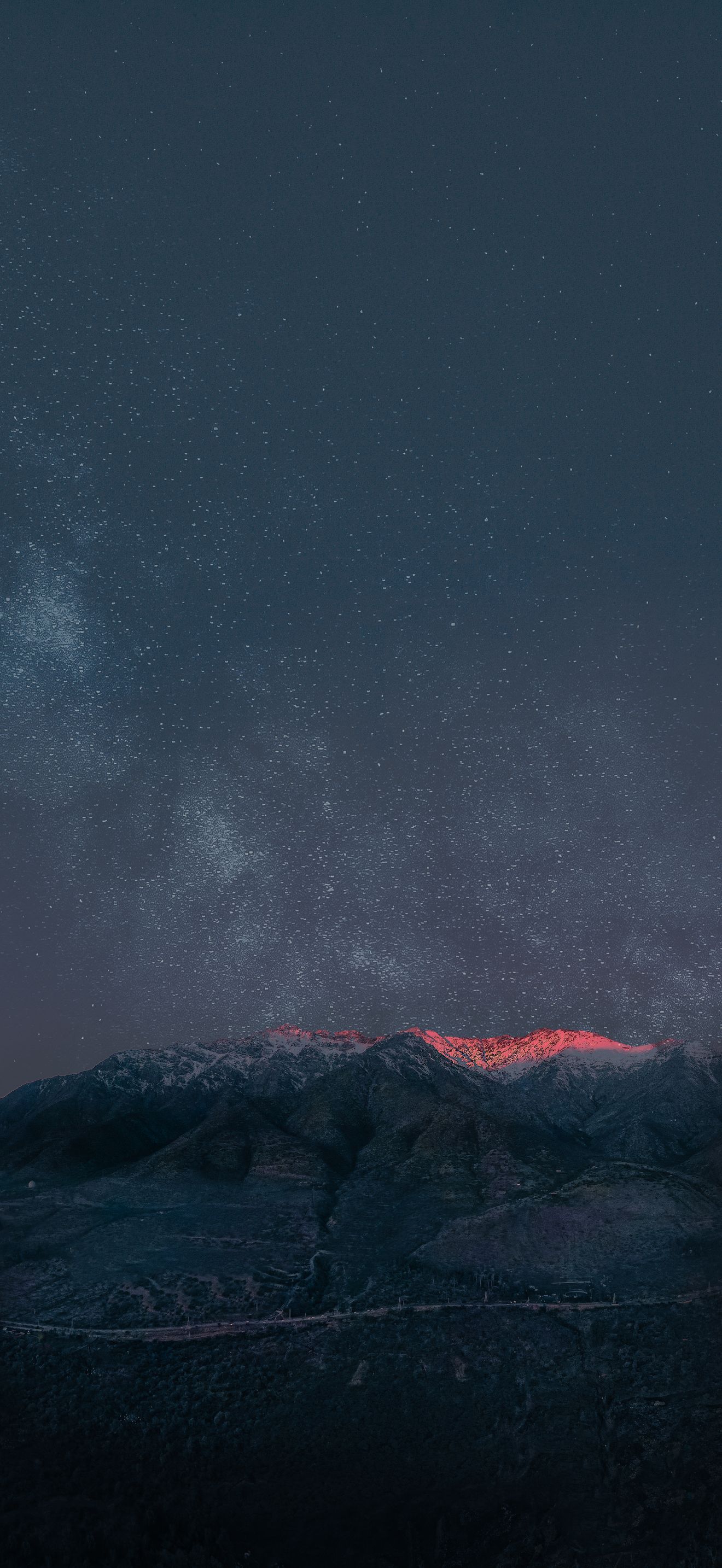
The Milky Way stretching over silhouetted palm trees on a tropical beach, with glowing ocean water below. The dark sky is easy on the eyes in a dim room and keeps text readable, while the star field shows off the detail of a 4K display. A lovely wallpaper for late-night work sessions. Best for: night owls, stargazers and dark rooms.
Download Free — 4K
Yellow Corvette Z06 — Rainy Night Street — Cars 4K
A yellow Corvette Z06 parked on a rainy night street, with reflections on the wet road. The bright car stands out against the dark surroundings, and the cinematic lighting looks great on a gaming monitor. It sits low in the frame, so the upper part of the desktop stays clean for icons and widgets. Best for: car lovers, gamers and cinematic dark setups.
Download Free — 4K
Ghibli-Style Countryside — Cottage & Green Hills — Ghibli-Style 4K
A peaceful countryside with a cottage among green hills, drawn in a Ghibli-inspired anime style. The soft colours and gentle lines reduce visual noise behind your windows, so it works well for long hours of office work. It also looks fresh in light mode, where many dark wallpapers feel heavy. Best for: Ghibli fans, light mode users and all-day work.
Download Free — 4K
Japan Train — Mount Fuji Autumn Landscape — Anime 4K
A train travelling through an autumn landscape with Mount Fuji in the background, painted in an anime style. The long horizontal scene fits a widescreen monitor, and the autumn tones give it a warm, nostalgic feel. It is also a good pick for dual monitor setups where the train can be imagined crossing from one screen to another. Best for: Japan fans, anime lovers and dual monitor users.
Download Free — 4K
Autumn Mountain Road — Fall Foliage Highway — Nature 4K
A winding highway running through a mountain valley full of autumn colour. Fiery oranges, reds and golds fill the frame, and the road leads the eye toward the horizon, which suits a wide screen. It is a perfect seasonal choice for November and the colder months. Best for: road trip fans and seasonal desktops.
Download Free — 4K
Provence Lavender Field — Cottage Path — Aesthetic 4K
Rows of lavender stretching toward the horizon under a golden afternoon sky, with a cottage path winding through the field. The soft purples and warm light have a gentle, romantic feel that helps a busy desktop look calmer. It suits creative work, design tools and photo editing. Best for: designers, creatives and aesthetic setups.
Download Free — 4K
Autumn Anime Street — Cozy Neighborhood — Anime 4K
A quiet neighbourhood street in autumn, drawn in a detailed anime style with maple trees and fallen leaves. This is an 8K wallpaper, so it has more resolution than any 4K monitor and stays sharp on large or ultrawide screens. The detail rewards a close look, which makes it an excellent desktop for anyone who loves cozy scenes. Best for: anime fans, large monitors and ultrawide setups.
Download Free — 4K🖥 How to Set a 4K Wallpaper on Windows and Mac
Setting a wallpaper only takes a moment, but a few details help you get the best quality:
- Open the wallpaper page on WallNest HD and tap View & Download. Choose 4K (3840×2160) or a higher resolution.
- On Windows 11: right-click the downloaded image and choose Set as desktop background, or open Settings > Personalisation > Background and select Picture.
- Set Choose a fit to Fill for a 16:9 monitor, or Span for multiple screens.
- On macOS: open System Settings > Wallpaper, click Add Photo and choose the image.
- Restart your theme or turn dark mode on to check how it looks with real windows.
If you use Linux, most desktop environments have a similar option under Appearance or Background settings, and the same files work without changes.
Ultrawide and Dual Monitor Wallpaper Tips
A 16:9 image looks best on a standard 4K monitor, but many desktop users run ultrawide or two screens. For an ultrawide 21:9 monitor, use the 6K or 8K file and choose Fill, which will crop a little from the top and bottom without stretching the image. For two monitors, you can either use the same wallpaper on each screen or pick the Span option to stretch one wide image across both. Spanning works best with wide landscape images such as Autumn Mountain Road or Japan Train — Mount Fuji.
Never choose Stretch, because it distorts faces, circles and straight lines. If the image is slightly wrong in ratio, use Fill or Fit instead. Windows also lets you set a different wallpaper on each monitor through the Background settings, so you can keep a calm image on your work screen and a bold one on the second display.
Choosing Wallpapers by Region and Habit
Visitors from India often search for gaming, anime and festive desktop wallpapers, while users in the US and UK usually look for dark, minimal and nature images. If you work from home in a shared space, a calm wallpaper helps in video calls where your screen may appear. If you share your computer with family, pick a neutral nature scene that suits everyone.
Frequently Asked Questions
Everything you need to know about 4K wallpapers for Desktop PC.
Final Thoughts
A good 4K wallpaper turns an ordinary desktop into a place you enjoy working in. Start with Floating Wooden House if you need focus, pick Explosive Black Hole or Yellow Corvette Z06 for your RGB rig, or relax with Ghibli-Style Countryside. All wallpapers are free and available up to 8K on WallNest HD.
Share your desk setup with #WallNestHD and come back often for new collections.