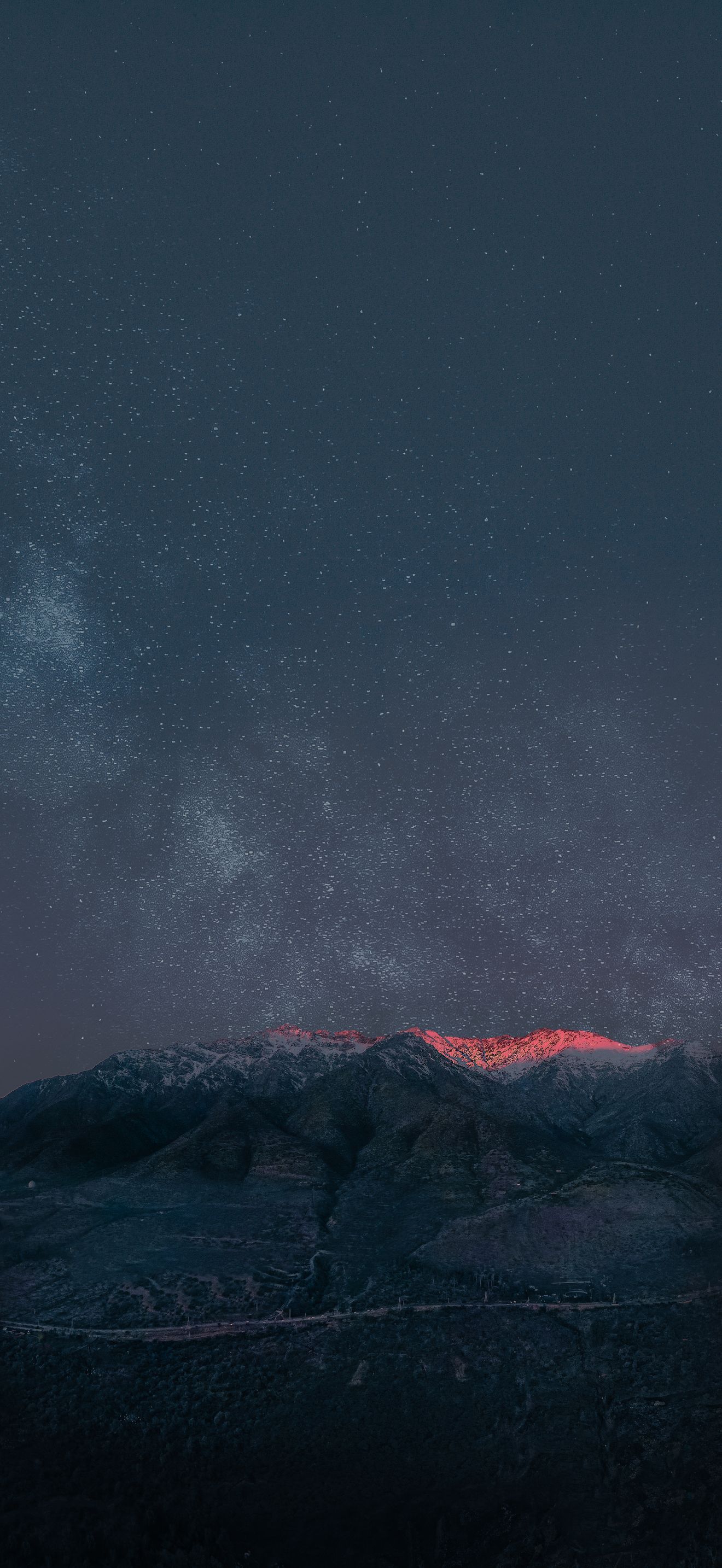
Best 4K Wallpaper for Laptop (2026) — Free Download
A laptop goes everywhere with you: the office, a coffee shop, a college library, the sofa. Its screen is smaller than a monitor, but you sit closer to it, and that makes wallpaper quality and composition even more important. A cluttered or low-resolution image behind your files and folders looks messy on a 14-inch screen, while a clean 4K wallpaper makes the whole device feel more polished.
Laptop screens also come in different shapes. Many Windows laptops use 16:9 or 16:10, while MacBooks use a slightly taller ratio with a notch on newer models. Because of that, a wallpaper that looks perfect on one device can lose its focal point on another. We made each wallpaper in this list with safe margins so the subject stays in view across the most common laptop displays.
Students in Mumbai, remote workers in Manchester and freelancers in Austin all use laptops differently, so we picked a range from calm study scenes to bold dark designs. Every wallpaper is free and available in Original, 4K, 6K and 8K on WallNest HD.
⚡ The Quick Answer
The best 4K wallpaper for a laptop is a landscape image of at least 3840×2160 (16:9) or 3840×2400 (16:10) with soft colours, space for icons and a focal point near the centre. Here are 10 free WallNest HD wallpapers that look sharp on Windows laptops and MacBooks, from soft sand dunes and pastel clouds to rainy window sunsets and ink-style Mount Fuji.
Common Laptop Screen Sizes and Wallpaper Resolutions
Use this table to find the closest match for your laptop. If you are unsure, download the 4K version and choose Fill in your display settings.
| Full HD laptop (16:9) | 1920 × 1080 – use a 4K image for extra sharpness |
| 4K laptop (16:9) | 3840 × 2160 |
| QHD+ / 16:10 laptop | 2560 × 1600 or 3840 × 2400 |
| MacBook Air 13/15-inch | About 2560 × 1664 / 2880 × 1864 |
| MacBook Pro 14-inch | 3024 × 1964 (with notch) |
| MacBook Pro 16-inch | 3456 × 2234 (with notch) |
| Best fit setting | Fill (Windows) or Fill Screen (macOS) |
| Recommended download | 4K for most laptops; 6K for MacBook Pro |
Do You Really Need a 4K Wallpaper on a Laptop?
Even on a Full HD laptop, a 4K wallpaper helps. When a high-resolution image is scaled down to your screen, the system averages the pixels, which gives smoother gradients and sharper edges than a native 1080p image. On a high-density display such as a MacBook or a 2.8K OLED Windows laptop, a 4K source is almost essential because the screen can show fine detail that a smaller image would blur.
A larger file will not slow your laptop. A wallpaper is a static image loaded once, and the performance impact is so small you will never notice it. Storage is the only trade-off, and WallNest HD lets you choose the file size you prefer.
How to Pick a Laptop Wallpaper That Works With Icons
Laptop desktops are full of icons, files and folders, so wallpapers with a calm left side and a bright or detailed right side work best. Large soft areas such as skies, walls, dunes or gradients stay clean behind icon labels. Busy scenes with lots of small objects can make text hard to read, especially on a 13-inch display.
If your laptop has an OLED or mini-LED screen, dark wallpapers add contrast and save some power, which helps battery life when you are away from a charger. If you work in bright places, a lighter, softer wallpaper is easier to see. Many people also like a different wallpaper for work and relaxation, so use the Fill option and rotate images each week to keep the setup fresh.
10 Best 4K Wallpapers for Laptop
All ten wallpapers are made with safe margins for 16:9 and 16:10 laptop screens. Tap View & Download to open the wallpaper page and choose your resolution.

Soft White Sand Dunes — Minimal 4K
Soft white sand dunes with gentle curves and almost no clutter. The light, even tones keep icon labels easy to read in Windows and macOS, and the smooth gradients look clean on a high-density laptop display. This is the best all-round pick for work and study laptops. Best for: office laptops, MacBook users and light mode fans.
Download Free — 4K
Twilight Sky in Blue and Pink — Sky 4K
A twilight sky fading from blue into pink. Big, smooth sky areas are ideal for laptops, because desktop icons and menus sit on a calm background. The cool and warm tones balance each other, so it looks good with both light and dark system themes. Best for: everyday use and a relaxed desktop.
Download Free — 4K
Pastel Evening Clouds — Pastel 4K
Pastel clouds at evening with a gentle colour range. The soft shapes add depth without drawing attention, so they work well behind folders and widgets on a small 13 or 14-inch screen. Great for creative work and journaling. Best for: designers, students and soft colour lovers.
Download Free — 4K
Raindrops on a Window at Sunset — Cozy 4K
Raindrops on a window with the glow of a sunset behind them. The blurred background and small drops create a cozy, quiet mood that is perfect for reading and studying. The drops add texture without making the desktop feel busy. Best for: late-night study and a cozy mood.
Download Free — 4K
Teal Water Ripples — Water 4K
Gentle teal ripples spreading across the surface of water. The even pattern is quiet and calming, and the cool colour is easy on the eyes during long sessions. It works well with light accents in the Windows taskbar or the macOS dock. Best for: focus work and cool colour lovers.
Download Free — 4K
Black Wave Pattern — Dark 4K
A dark wave pattern in black tones. It is almost free of colour, so any accent colour in your system theme stands out on top. On a MacBook with a notch, the dark upper area helps the menu bar blend into the screen, and on an OLED laptop it helps save a little power. Best for: MacBook and OLED laptops and dark mode setups.
Download Free — 4K
Sea of Clouds Above Mountains — Nature 4K
A sea of clouds sitting above mountain peaks. The open, layered view gives a small screen a sense of space, and the soft horizon keeps the taskbar or dock area quiet. It is a good, refreshing wallpaper for any laptop that goes everywhere with you. Best for: travellers and nature lovers.
Download Free — 4K
Palm Trees at Purple Sunset — Sunset 4K
Palm trees in silhouette under a purple sunset sky. The simple shapes and rich sky colour make it a strong, holiday-style wallpaper, and the dark silhouettes sit low in the frame so icons on the left remain readable. A cheerful pick for the end of a long work day. Best for: sunset fans and holiday moods.
Download Free — 4K
Soft Orange and Pink Curves — Abstract 4K
Smooth orange and pink curves in a soft abstract design. The warm colours brighten a laptop screen without any hard edges, and the simple shapes keep text and icons clear. A modern, friendly wallpaper for creative apps and daily work. Best for: creative work and warm colour lovers.
Download Free — 4K
Misty Mount Fuji in Ink — Minimal 4K
Mount Fuji in a misty, ink-style picture with a lot of empty space. The light mist and soft grey tones keep everything calm, so it is a very clean background for work. The artistic look also suits a presentation or screen-sharing situation. Best for: professional setups and minimal Japanese art fans.
Download Free — 4K🖥 How to Set a Wallpaper on Windows and macOS Laptops
The steps are quick, and a couple of settings decide how sharp the image looks:
- Open WallNest HD, tap View & Download on your chosen wallpaper and select the 4K resolution.
- Windows 11 or 10: right-click the image and select Set as desktop background, or go to Settings > Personalisation > Background.
- Choose Fill to cover the full screen without stretching. Use Fit if you want to see the whole image with bars on the sides.
- MacBook: go to System Settings > Wallpaper and select the image, then choose Fill Screen.
- Check the lock screen too, because both Windows and macOS let you set a different image there.
MacBook users with a notch should pick a wallpaper with a dark or empty band at the top, so the menu bar and notch blend in. Dark options such as Black Wave Pattern are a good fit for exactly that.
Laptop Wallpaper Tips for Battery, Focus and Comfort
Dark wallpapers can extend the battery life of OLED laptops, but they do very little on a regular LCD, so choose based on how the image feels rather than just power. Use low-contrast images for work and keep bright, colourful images for downtime. Rotating between two or three wallpapers also stops your eyes from ignoring the screen, which is a quiet way to stay focused.
If you often present or share your screen, a plain and professional wallpaper is a better choice than a busy character or a personal photo. Windows and macOS both have a slideshow option that can cycle through a folder of images, a nice way to enjoy several WallNest HD wallpapers without changing them manually.
Which Wallpaper Style Suits You?
Students and exam takers often choose lo-fi and cozy images, professionals prefer minimal and abstract designs, and creators lean toward Ghibli-style and pastel art. Users in India often add seasonal and festive wallpapers during Diwali and winter, while many users in the UK and US keep calm nature and minimal scenes all year. There is no wrong choice. The best wallpaper is the one that makes you want to open your laptop.
Frequently Asked Questions
Everything you need to know about 4K wallpapers for Laptop.
Final Thoughts
The right wallpaper makes your laptop feel more personal and easier to use. Pick Soft White Sand Dunes for a clean workspace, Raindrops on a Window at Sunset for a study mood, or Black Wave Pattern for a sleek dark look. They are all free in 4K, 6K and 8K on WallNest HD.
Show us your setup with #WallNestHD and visit the blog for new wallpaper guides every week.