

Best MacBook Wallpapers 4K 2026: 20 Free Downloads
Looking for the best MacBook wallpapers in 4K for 2026? Here are 20 free picks for MacBook Air and MacBook Pro in four moods: dark, minimal, nature and colourful abstract art. Every file is high resolution, sharp on Retina displays and free of watermarks.
Your MacBook desktop is the first thing you see every day, and a good wallpaper makes the whole machine feel new. The search for MacBook wallpaper 4K keeps growing because Retina screens show every detail, so a low quality picture looks soft very quickly. A true 4K file stays crisp, even when macOS scales it.
We divided this list into four moods so you can find your style fast: dark wallpapers for a deep, focused look, minimal wallpapers for a clean desktop, nature photos for calm landscapes and colourful abstract art for colour and energy. Each picture opens on its own wallpaper page on WallNest HD, where you can download the full-size file.
Whatever you pick, remember that your desktop icons and the menu bar sit on top of the picture. Choose a wallpaper with a calm area at the top and one side, and your files stay easy to find.
🖥️ What Makes a Great MacBook Wallpaper?
- High resolution: 3840 px wide or more keeps edges sharp on Retina displays
- Calm top edge: the menu bar and notch stay readable
- Open space on one side: room for desktop icons and folders
- Balanced colour: works with both Light and Dark appearance
- Landscape 16:10 crop: fits MacBook screens without ugly cropping
📐 Best Wallpaper Size for MacBook
- MacBook Air 13-inch: 2560×1664 px
- MacBook Air 15-inch: 2880×1864 px
- MacBook Pro 14-inch: 3024×1964 px
- MacBook Pro 16-inch: 3456×2234 px
- Best all-round file: 4K (3840×2400 px) or larger
💻 How to Set a MacBook Wallpaper
- Download the image from the wallpaper page and open System Settings → Wallpaper
- Click Add Photo and choose the downloaded file
- Select Fill Screen so the picture is never stretched
- Turn on Show on all Spaces if you use several desktops
How to Choose the Right MacBook Wallpaper
A wallpaper is not only a picture. On a Mac, it sits behind your icons, folders, Dock and menu bar for many hours a day, so a good choice makes your whole workflow easier. Start with the mood you want. Dark wallpapers feel focused and premium, minimal gradients feel clean and modern, nature photos feel calm, and colourful skies add energy.
Then match the wallpaper to your screen. The MacBook Pro uses a mini-LED display with deep blacks and high contrast, so dark scenes and glowing colours look best. The MacBook Air has a bright, colourful LCD, so pastel gradients and light skies look fresh. Neither screen is OLED, but dark wallpapers still look rich on both.
Finally, think about how you use your desktop. If it is full of files, choose a smooth gradient or a dark texture. If it is clean, you can enjoy a detailed landscape. Always check the top edge, because the menu bar and notch sit there.
✅ Wallpaper Checklist
- File width of 3840 px or more for Retina sharpness
- Landscape crop close to 16:10
- A calm top edge for the menu bar and notch
- One quiet side for desktop icons
- Colours that look good in both Light and Dark appearance
Top 20 MacBook Wallpapers

Dark Moody Foliage
Dense green leaves in deep shadow give this wallpaper a calm, forest-at-night feeling. The dark tones keep your icons and menu bar text easy to read, and the soft texture hides small imperfections. It looks especially good with macOS Dark appearance turned on, and it is a safe choice for people who keep many files on the desktop.
View & Download
Milky Way Over a Silhouetted Forest
A starry sky and the Milky Way rise above black treetops. The huge contrast makes this a perfect pick for a MacBook Pro, where the stars look sharp and bright against the deep black. Keep your icons on the lower side, and the sky becomes a beautiful open view.
View & Download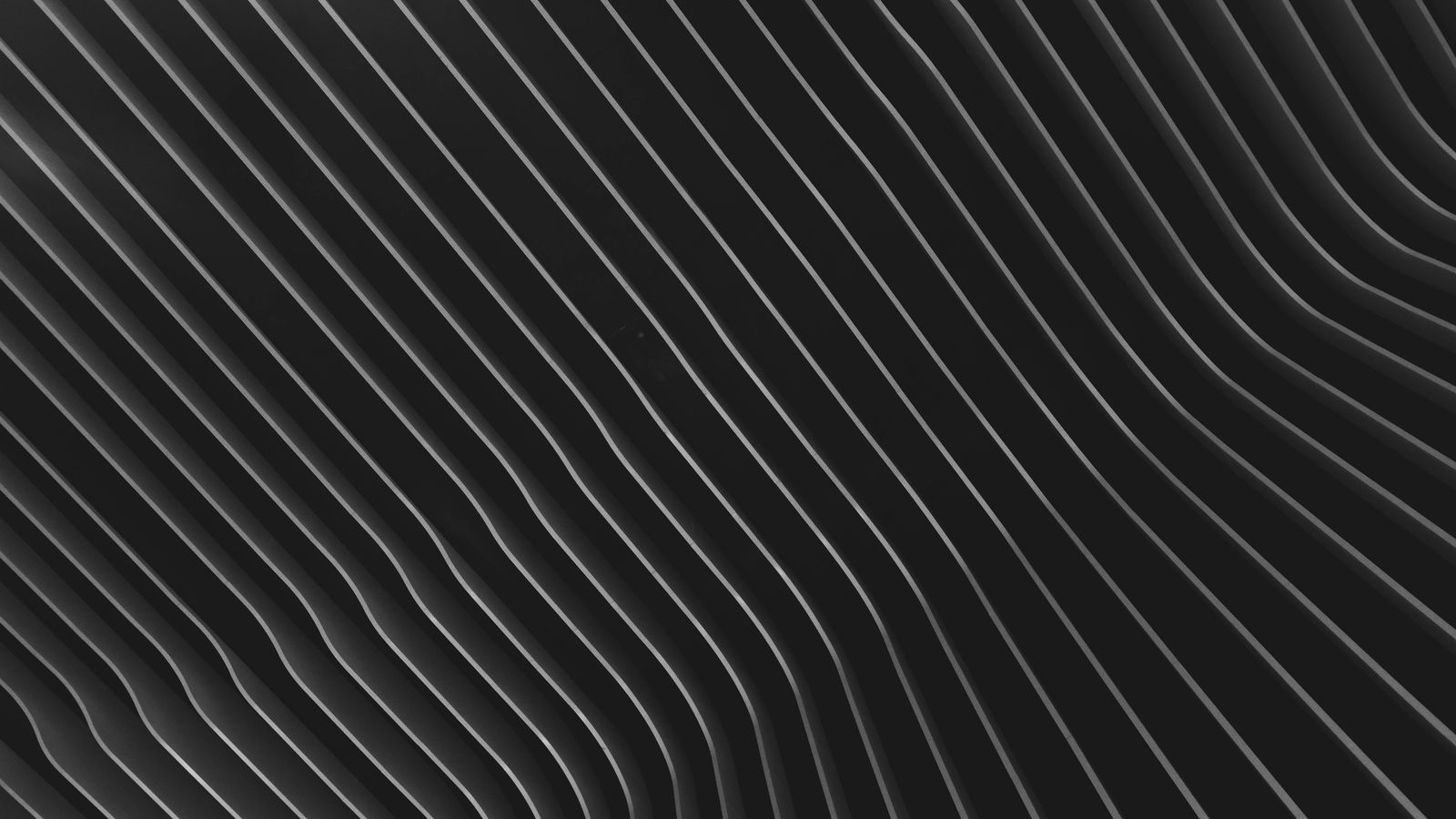
Black Wave Pattern
Smooth black waves with gentle depth and shine. It looks modern, clean and a little premium, with no objects to distract you. Because the surface is calm, windows and icons stand out clearly, which makes it a great wallpaper for focused work.
View & Download
Black Sand Texture
Fine black sand with soft shadows forms a quiet, elegant background. The texture is detailed enough to look interesting on a Retina screen, but dark enough to stay out of the way. It also works well on external monitors for a matching desk setup.
View & Download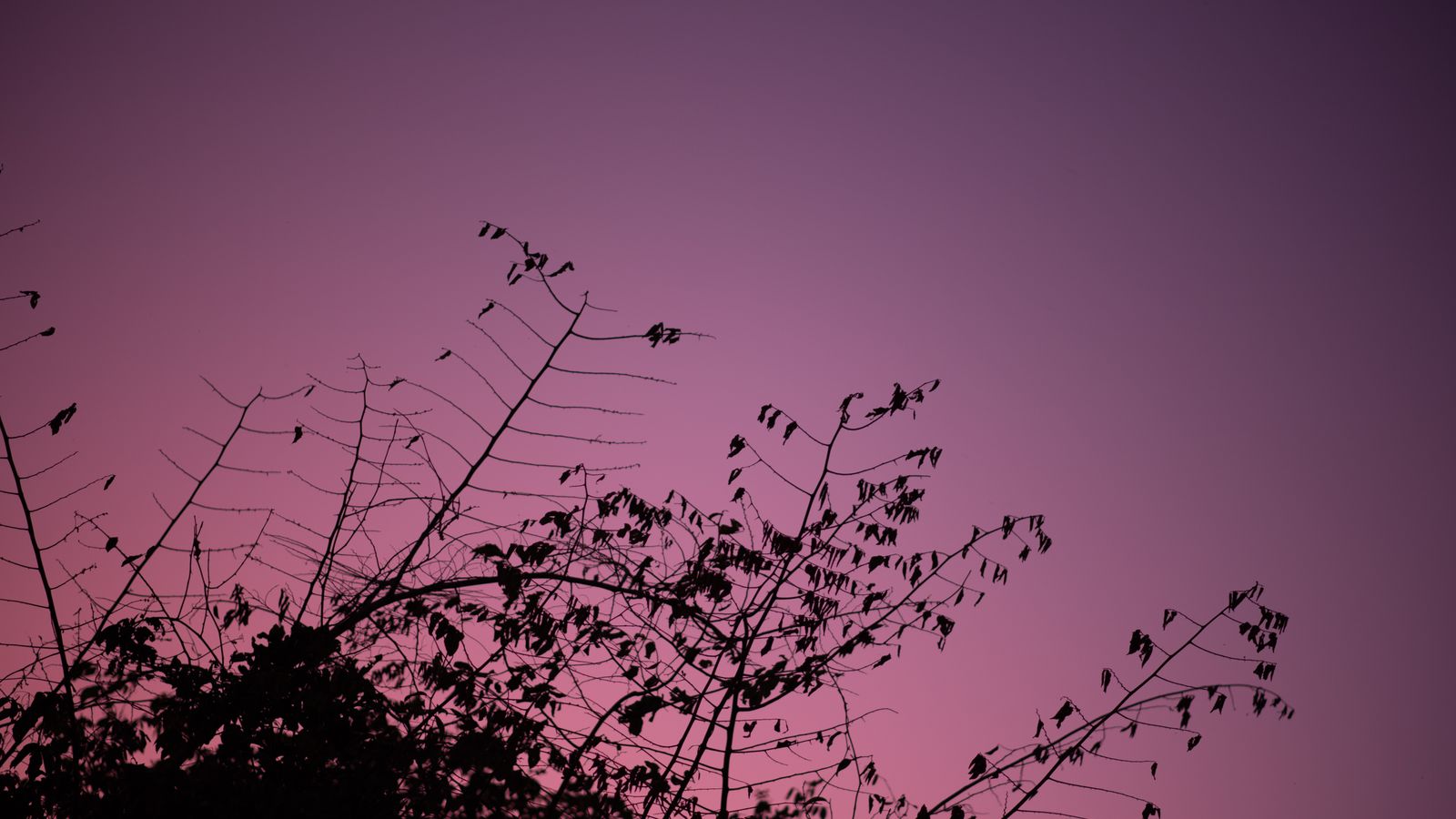
Tree Branches at Purple Twilight
Dark branches reach across a deep purple evening sky. The silhouette style gives a moody look with a touch of colour, so it feels less heavy than a fully black picture. It is a nice choice if you want dark but not boring.
View & Download
Purple and Green Gradient
A smooth blend of purple and green with nothing else on the screen. The even colour makes desktop icons and folders extremely easy to find. This wallpaper is ideal if you want a clean, modern desktop that still has a little personality.
View & Download
Soft Orange and Pink Curves
Gentle curves in orange and pink create a warm, friendly mood. The shapes are simple, so they never feel busy, and the bright colours look lively on a MacBook Air screen. It is a good choice for creative work and study sessions.
View & Download
Light Blue Abstract Texture
Soft blue tones with a painted, calm texture. It feels light and airy, and it keeps text and icons readable in bright rooms. Choose this one for a peaceful desktop that does not tire your eyes during long days.
View & Download
Twilight Sky in Blue and Pink
A clear gradient sky just after sunset, moving from blue to pink. The open space leaves room for icons everywhere, and the colours match both Light and Dark appearance. It is one of the easiest wallpapers to live with every day.
View & Download
Pastel Evening Clouds
Pink and grey clouds in soft evening light. The mood is quiet and tidy, which suits an office or study desktop. The pastel colours also keep the menu bar readable, even when the screen brightness is high.
View & Download
Sunset Over Snow-Capped Peaks
Warm light hits high Alpine peaks under a colourful sky. It is a classic wide landscape that fits the MacBook screen shape well. The open sky at the top works nicely with the notch and menu bar on Pro models.
View & Download
Sea of Clouds Above Mountains
A calm aerial view of soft pink clouds with distant mountains. The layers create depth without strong detail, so icons remain easy to see. It is a relaxing choice for anyone who wants a sense of space on a small laptop screen.
View & Download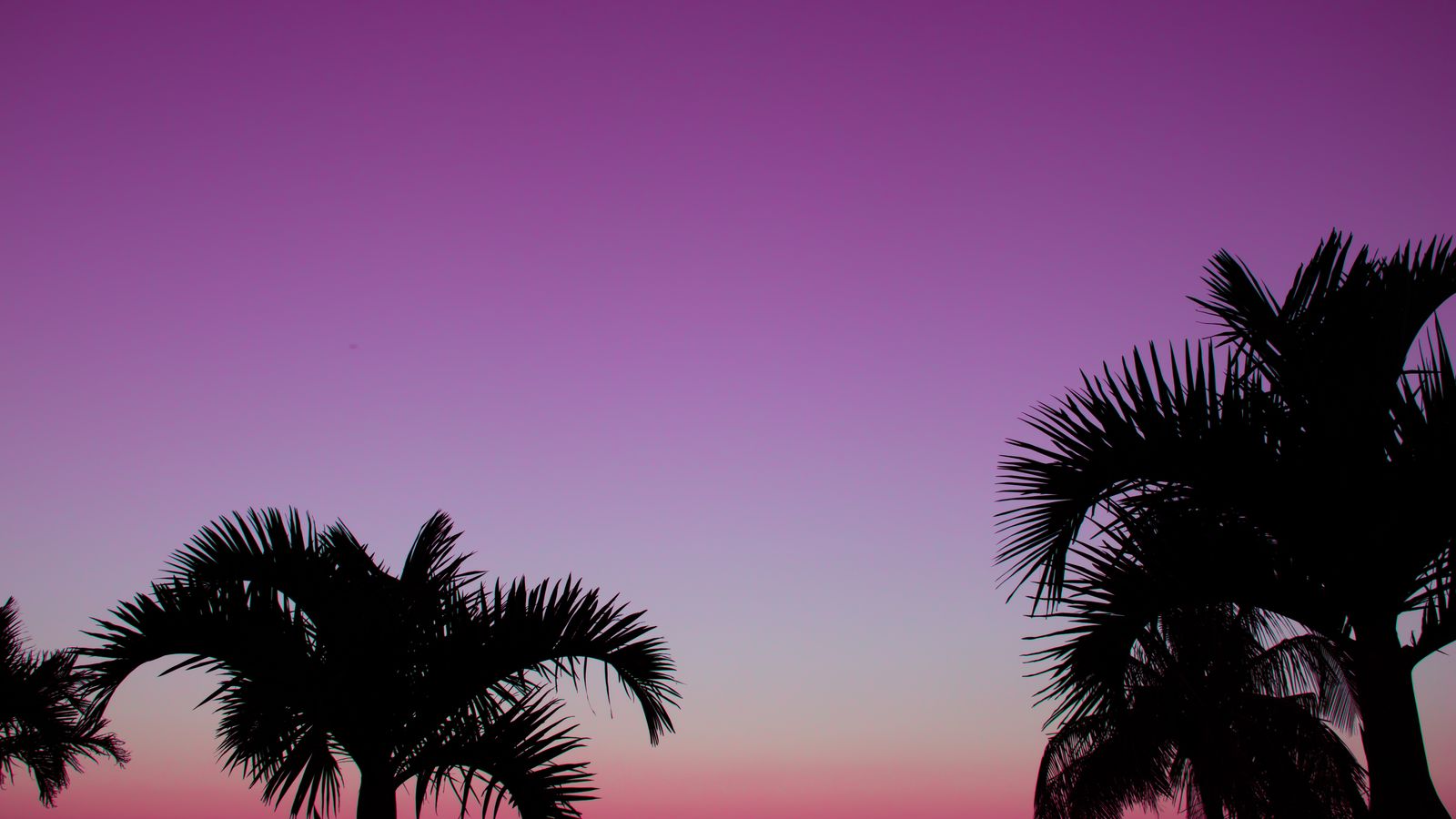
Palm Trees at Purple Sunset
Black palm silhouettes stand against a pink and purple sunset. The colours are rich and warm, and they look great on Retina displays. The dark trees at the bottom give a natural spot for the Dock.
View & Download
Teal Water Ripples
Calm teal water with fine ripples and drops. The picture feels fresh and clean, and the soft pattern is perfect behind a busy set of windows. It is a nice option for a summer or holiday mood.
View & Download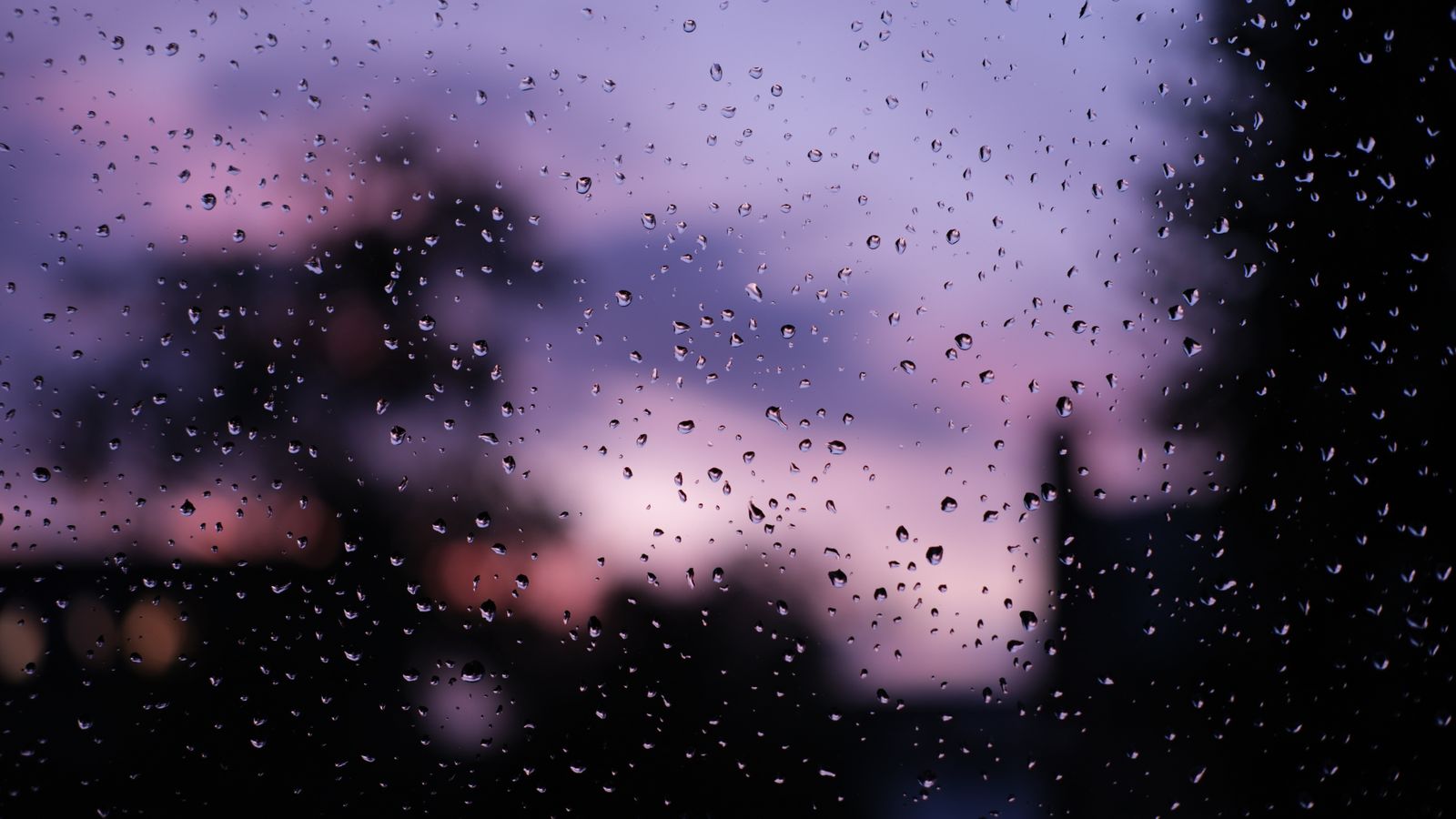
Raindrops on a Window at Sunset
Water drops on glass in front of a vivid purple sunset. This wallpaper feels cosy and moody, with fine detail that looks excellent in 4K. It matches a rainy day or a late evening work session.
View & Download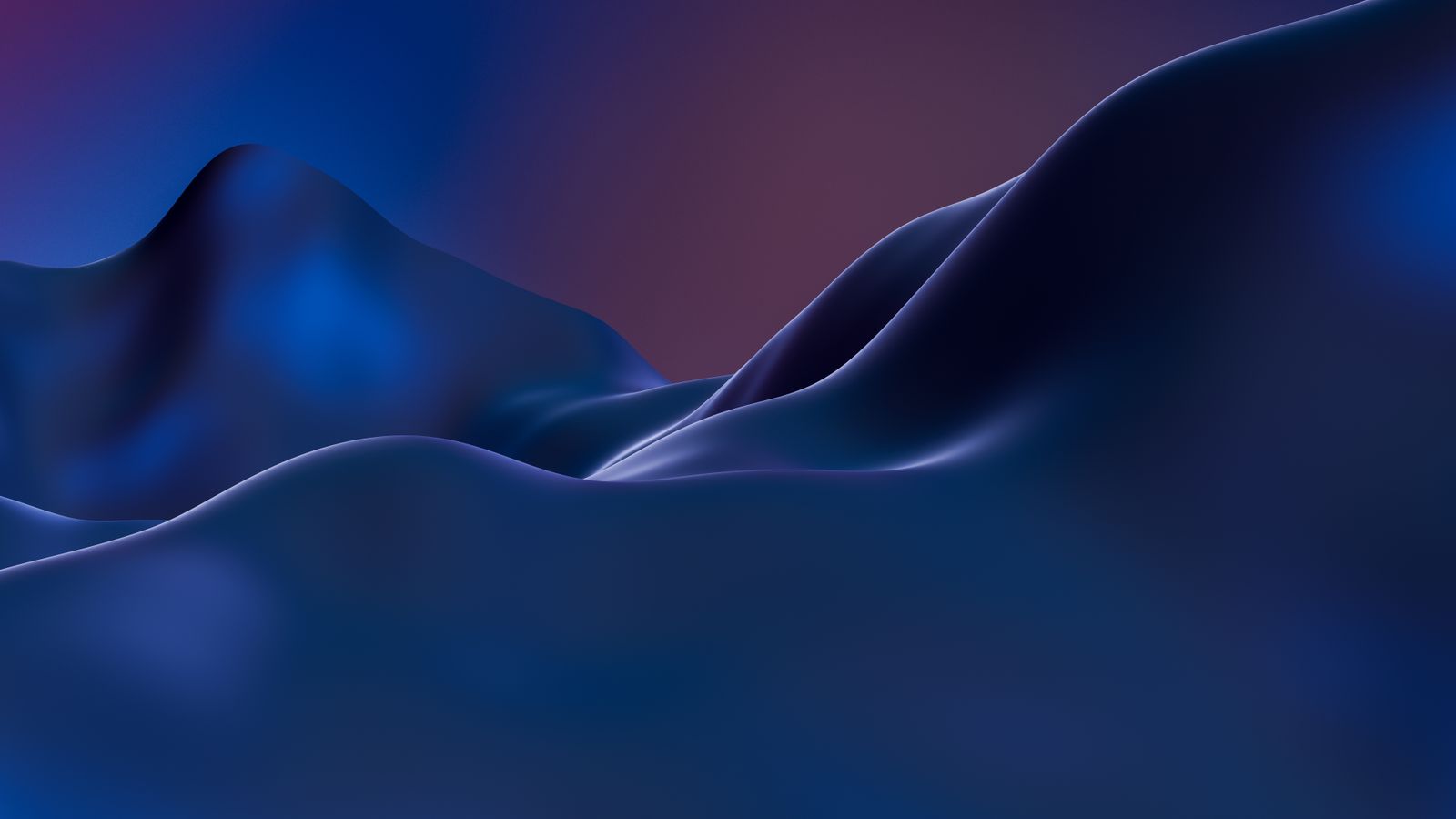
Abstract Blue Digital Landscape
Smooth blue curves in a modern digital style. The clean shapes feel technical and calm, so it suits developers, students and anyone who likes a tidy, future-style desktop.
View & Download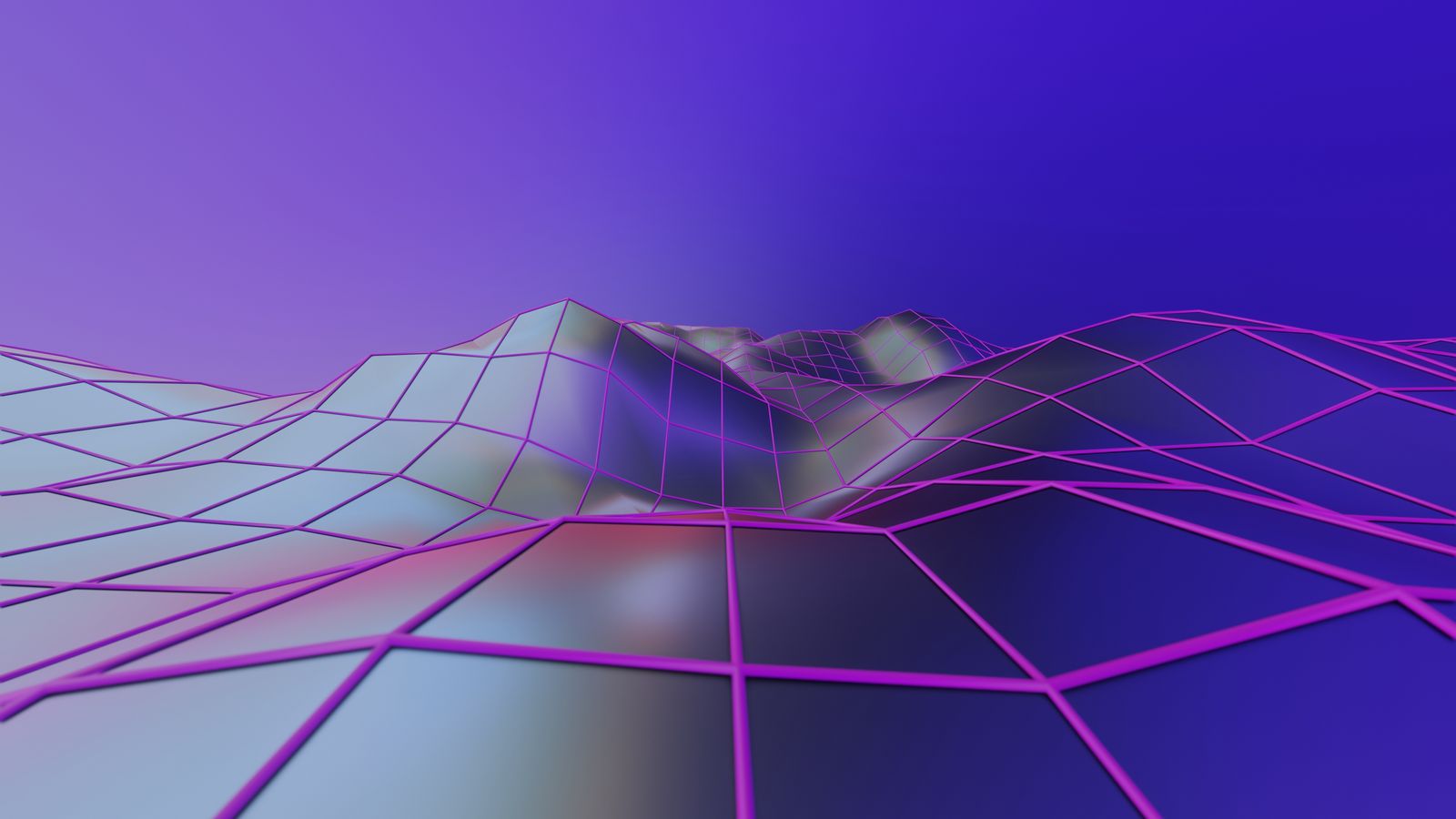
Futuristic 3D Geometric Landscape
Colourful geometric shapes create a digital world with strong depth. It is a bold wallpaper for creative setups, and it looks great on a Pro display where colours are bright and rich.
View & Download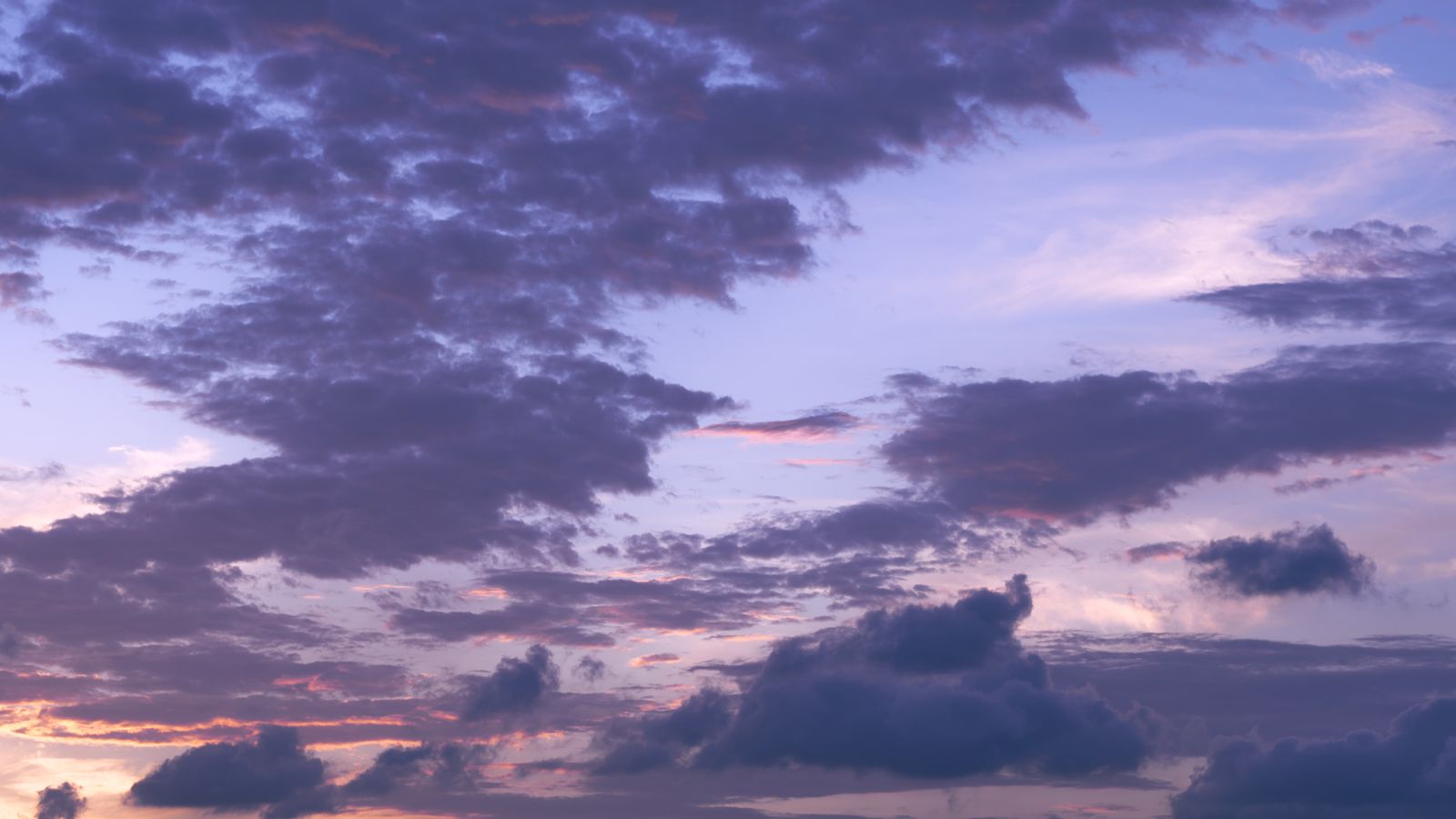
Purple and Pink Twilight Clouds
Large clouds light up in purple and pink at twilight. The dramatic sky gives a lot of energy, and the colours stay sharp when you use the 4K file. A strong choice if you want your desktop to feel alive.
View & Download
Pink and Purple Clouds at Sunset
A soft sunset filled with layered pink and purple cloud. It is calm and eye-catching at the same time, and the gentle gradient keeps icons readable.
View & Download
Dreamy Sunset Cloudscape
Layers of cloud in warm sunset colours create a peaceful, dream-like picture. It is a nice way to end this list, and an easy wallpaper to keep for months without getting tired of it.
View & DownloadMacBook Screen Sizes and Resolutions
Every MacBook has a different screen, and it helps to know the numbers. The MacBook Air 13-inch has a native resolution of 2560×1664, the Air 15-inch is 2880×1864, the MacBook Pro 14-inch is 3024×1964, and the MacBook Pro 16-inch is 3456×2234. Retina screens use many more pixels than you see in the display settings, so a low resolution wallpaper gets stretched and looks soft. A 4K wallpaper of 3840×2400 or more is safe for every model.
How to Set a Wallpaper on a MacBook
💻 Step by Step
- Download the 4K file from the wallpaper page and save it to Downloads
- Open the Apple menu, then System Settings → Wallpaper
- Click Add Photo and choose your image
- Select Fill Screen so the picture is never stretched
- Turn on Show on all Spaces if you use several desktops
On older macOS versions, open System Preferences → Desktop & Screen Saver and choose your folder. If you use an external monitor, set a wallpaper for each display, because a wide monitor may need a different crop.
Light Mode vs Dark Mode: Which Wallpaper Fits?
In Light appearance, pastel gradients, bright skies and minimal textures look clean and keep the menu bar readable. In Dark appearance, black textures, night skies and dark foliage look best, because they match the dark windows and Dock. Wallpapers with a mid-tone, like the twilight sky, work well in both, so they are a good choice if you switch often or let macOS change automatically at sunset.
Fix a Blurry or Wrong-Looking MacBook Wallpaper
🔧 Quick Fixes
- Download the largest file from the wallpaper page, not a preview
- Do not send the wallpaper through WhatsApp or other chat apps, they compress it
- Choose Fill Screen instead of Stretch or Center
- If the image is cropped badly, pick one with open space at the top and sides
- Restart the Mac if the wallpaper does not change after you select it
Tips to Keep a Clean and Productive Desktop
A good wallpaper works best with a tidy desktop. Right-click the desktop and choose Use Stacks to group files by type. Keep the Dock small or set it to auto-hide, so more of the picture shows. Use a dark wallpaper at night and a lighter one in the day if you like to change your setup, and save your favourites in one folder so you can switch in seconds.
Free to Use, No Watermark
The photos in this guide come from the free-to-use Pexels library. Each wallpaper opens on its own WallNest HD page where you can download the full-size file for free, with no sign-up and no watermark. You can use them on your personal MacBook, a work laptop or a second monitor.
Common Questions
Are these MacBook wallpapers free?
What size should a MacBook wallpaper be?
Will 4K wallpapers look sharp on a MacBook?
How do I change my MacBook wallpaper?
Which wallpaper is best for MacBook Pro?
Which wallpaper is best for MacBook Air?
Do MacBooks have OLED screens?
Which wallpaper is best for a busy desktop?
Why does my wallpaper look blurry?
Do these wallpapers work on Windows laptops and monitors?
The photos in this guide come from the free-to-use Pexels library. Every wallpaper opens on its own page with a free download, no watermark and no sign-up. More MacBook guides: MacBook Pro 14 & 16 Wallpapers, MacBook Air M3/M4 Wallpapers, Dark & Minimal MacBook Wallpapers, Halloween MacBook Wallpapers 2026. Also browse our minimal wallpapers, dark wallpapers and AI wallpapers.