

MacBook Pro 14 & 16 Wallpapers: Exact Sizes + Free 4K
What is the right wallpaper size for MacBook Pro 14 and 16? The 14-inch screen is 3024×1964 px and the 16-inch is 3456×2234 px. Below you will find the exact sizes, tips for the notch and ten free 4K wallpapers that look great on Pro displays.
The MacBook Pro has one of the best laptop screens you can buy, so it deserves a wallpaper that matches. A small or compressed picture looks soft on the Liquid Retina XDR display, while a large 4K file shows every texture and every colour. That is why the right size matters more on a Pro than on most laptops.
There is one more detail: the notch. It sits in the middle of the top edge, and a picture with a bright subject in that spot looks odd. Choose wallpapers with a calm sky, a dark top or soft gradient across the upper area, and the notch simply disappears into the design.
All ten wallpapers below are wide landscape images. Tap View & Download under any picture to open it on its own WallNest HD page and save the full-size file.
📐 MacBook Pro Wallpaper Sizes
- MacBook Pro 14-inch: 3024×1964 px
- MacBook Pro 16-inch: 3456×2234 px
- Aspect ratio: about 16:10
- Best download: 3840×2400 px or larger, so macOS can scale without blur
🔦 Wallpaper Tips for the Notch
- Pick a picture with an empty or dark top edge
- Place the main subject in the lower two thirds
- Landscapes with open sky are the easiest to use
- Turn on Fill Screen in Wallpaper settings
💻 How to Set a MacBook Wallpaper
- Download the image from the wallpaper page and open System Settings → Wallpaper
- Click Add Photo and choose the downloaded file
- Select Fill Screen so the picture is never stretched
- Turn on Show on all Spaces if you use several desktops
This guide is made only for MacBook Pro owners. The 14 and 16 inch models have a different screen, a different notch area and a much brighter display than the MacBook Air, so the best wallpapers are not always the same. Below you will find the exact sizes, notch tips, and ten free 4K wallpapers chosen to look sharp and balanced on Pro screens.
Why the MacBook Pro Needs a Better Wallpaper
The MacBook Pro uses a Liquid Retina XDR display, a mini-LED panel with a very high contrast ratio and peak brightness far above a normal laptop. That is good news for wallpapers, because deep blacks, bright stars and rich colours can all show at once. It also means a poor, small or heavily compressed picture is easy to notice. A sharp 4K wallpaper with strong contrast makes the screen feel much more premium.
The notch is the second reason. The cut-out at the top centre of the screen sits inside the menu bar area, and macOS fills the sides of the menu bar with your wallpaper colour. A picture with a dark or even top edge makes the notch almost invisible, while a bright, detailed top makes it stand out.
📏 Pro Screen Facts
- MacBook Pro 14-inch: 3024×1964 native resolution
- MacBook Pro 16-inch: 3456×2234 native resolution
- Default scaled look: about 1512×982 on the 14-inch and 1728×1117 on the 16-inch
- Best wallpaper file: 3840×2400 or larger in JPG or PNG
- Display type: mini-LED with deep blacks, not OLED
Top 10 MacBook Pro Wallpapers

Milky Way Over a Silhouetted Forest
A bright starry sky rises above black treetops. The MacBook Pro display has very strong contrast and high peak brightness, so the stars look sharp and the black stays deep. The dark top edge also hides the notch well. A top pick for Pro owners.
View & Download
Sunset Over Snow-Capped Peaks
Warm light touches high snowy peaks under a wide, colourful sky. The open sky at the top gives a calm area around the notch and menu bar, and the sharp rock detail shows off the Retina resolution on both the 14 and 16 inch screens.
View & Download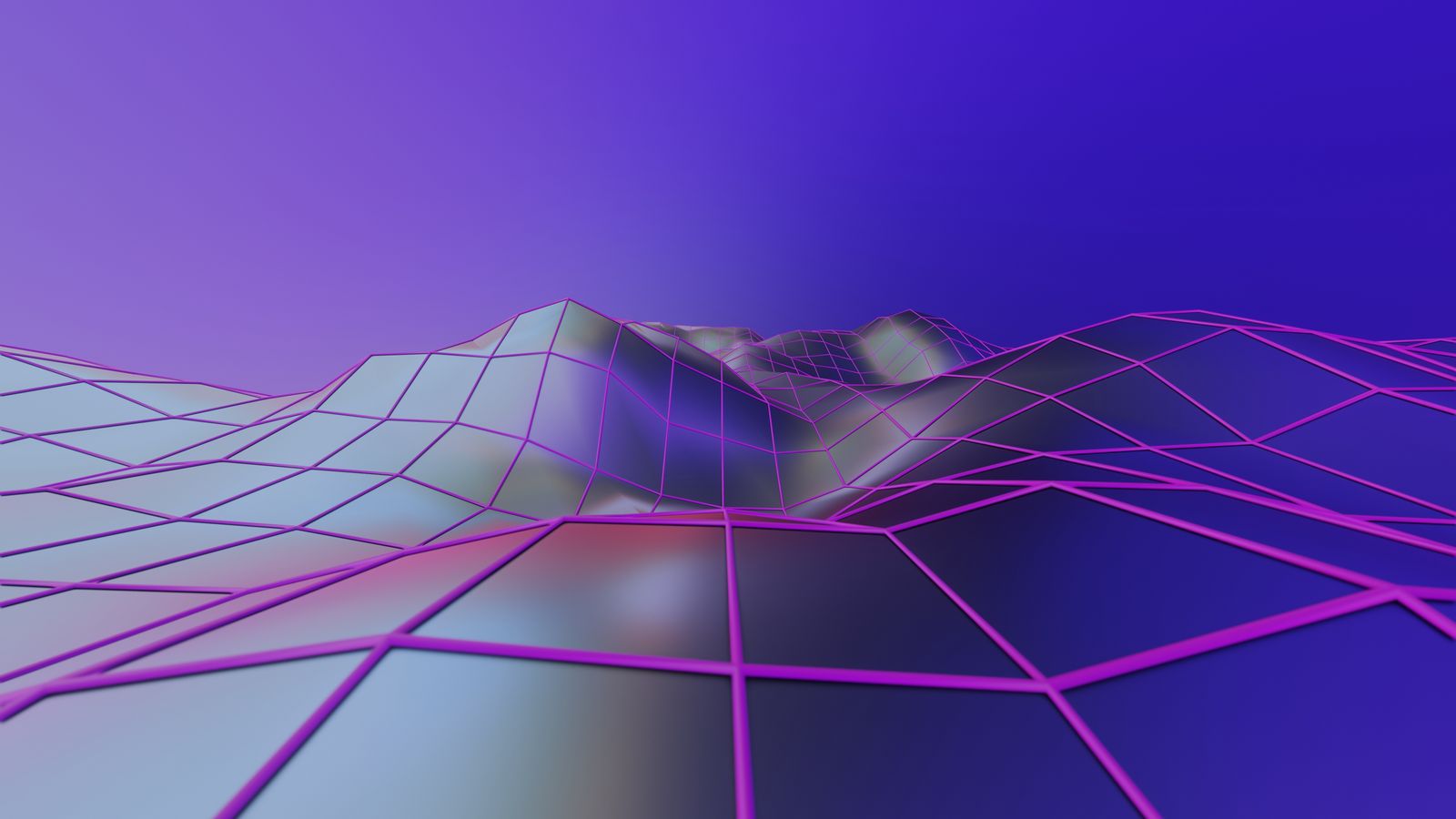
Futuristic 3D Geometric Landscape
Bright geometric shapes form a digital landscape with strong depth. The saturated colours look rich on the Liquid Retina XDR display, which makes this a good wallpaper for designers, editors and anyone with a creative desk setup.
View & Download
Dark Moody Foliage
Dense dark green leaves with soft shadows. The mood is quiet and focused, and the dark tones keep windows, code editors and the Dock easy to read. It matches macOS Dark appearance very well.
View & Download
Sea of Clouds Above Mountains
Soft pink clouds with distant mountains seen from above. The layered depth looks great on a large 16 inch screen, while the gentle colours stay easy on the eyes during long work sessions.
View & Download
Black Sand Texture
Fine black sand with dramatic shadows. The texture looks detailed on a Pro display but never gets busy, so it is an excellent background for a desktop full of windows and files.
View & Download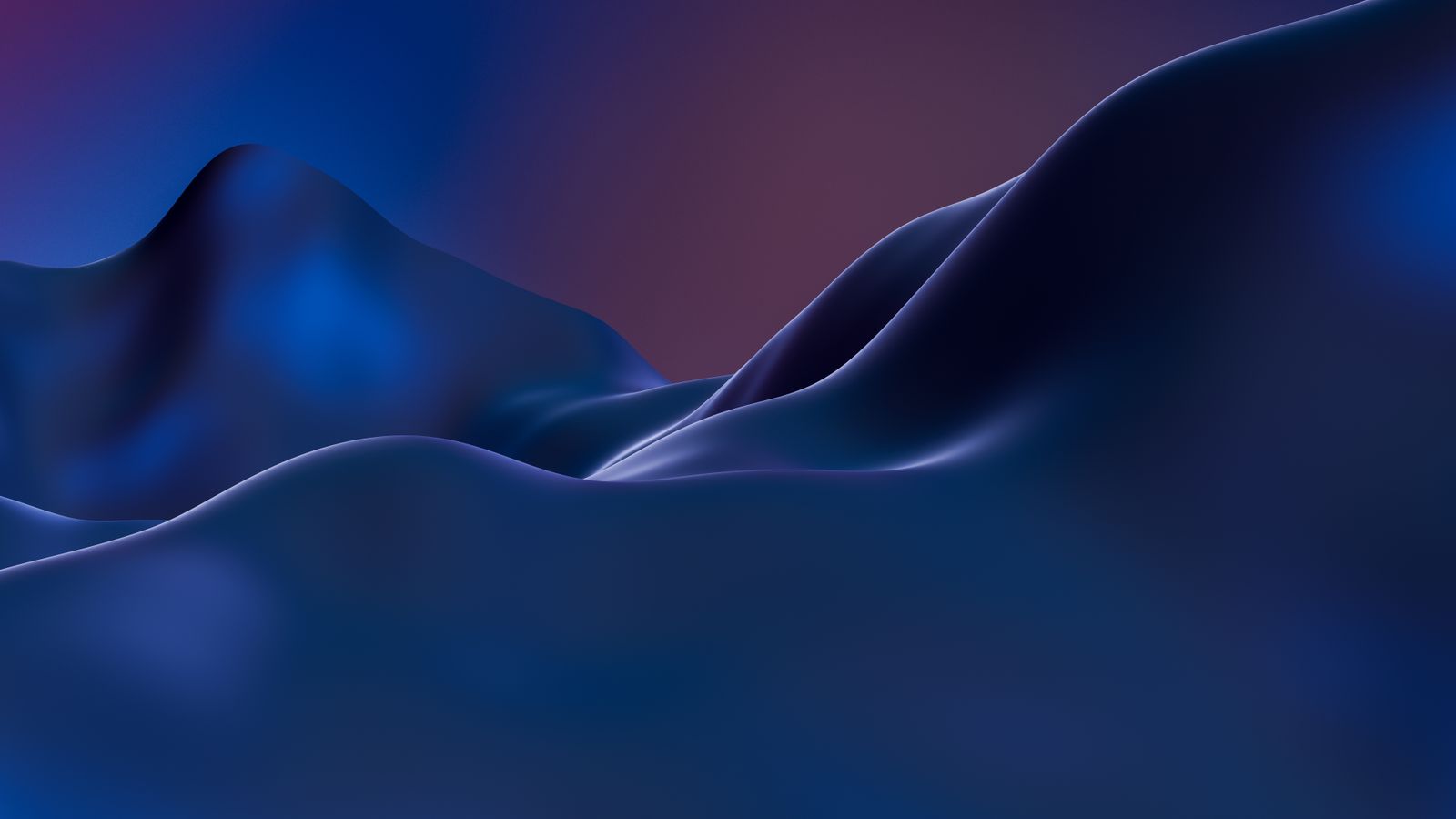
Abstract Blue Digital Landscape
Smooth blue curves in a modern digital style. The clean shapes give a technical, calm feeling, and the cool colour pairs nicely with the silver and space grey finish of a MacBook Pro.
View & Download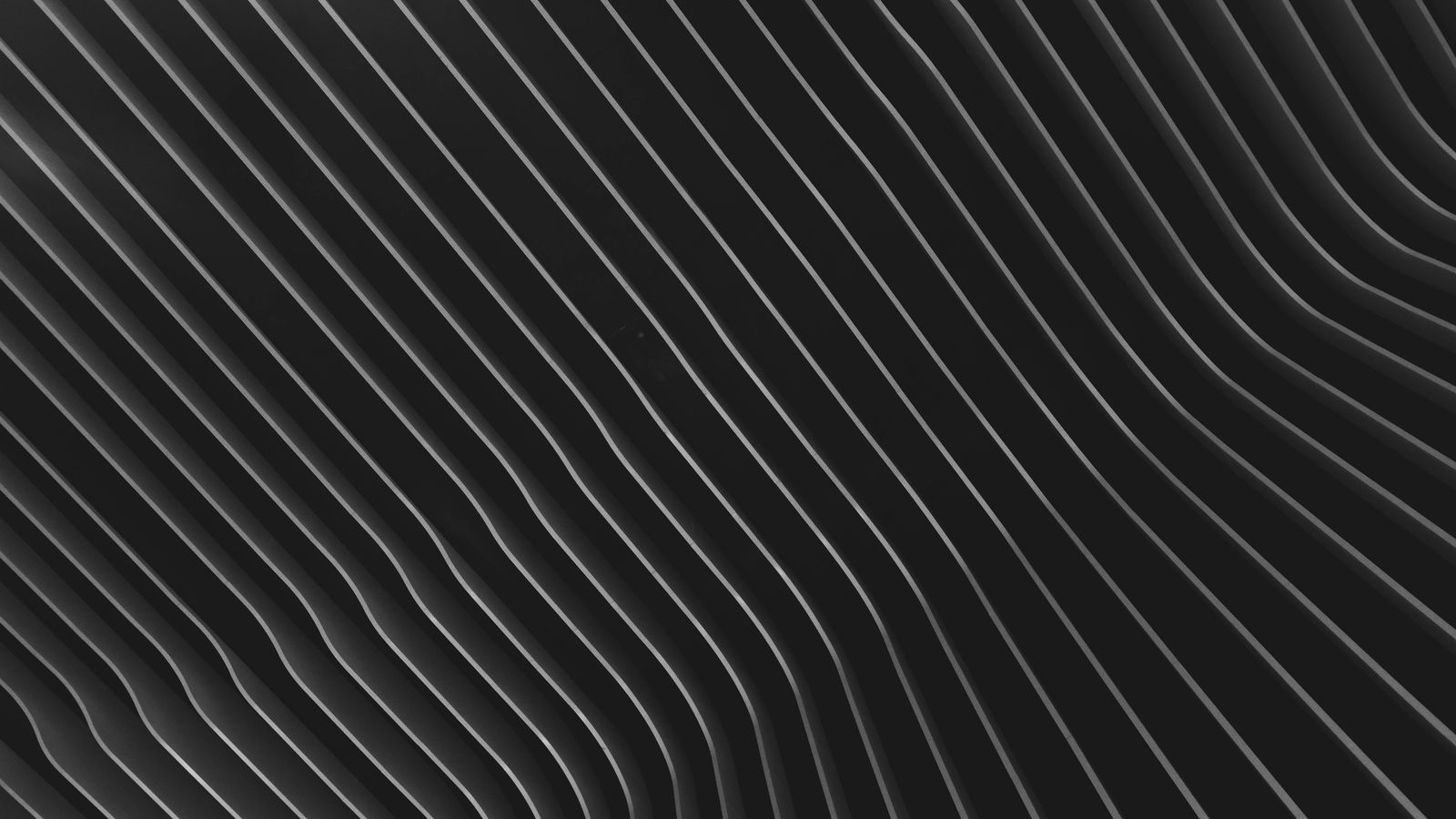
Black Wave Pattern
Smooth black waves with soft shine and depth. It looks premium and quiet, and it makes bright app windows stand out. A strong choice for a minimal, professional desktop.
View & Download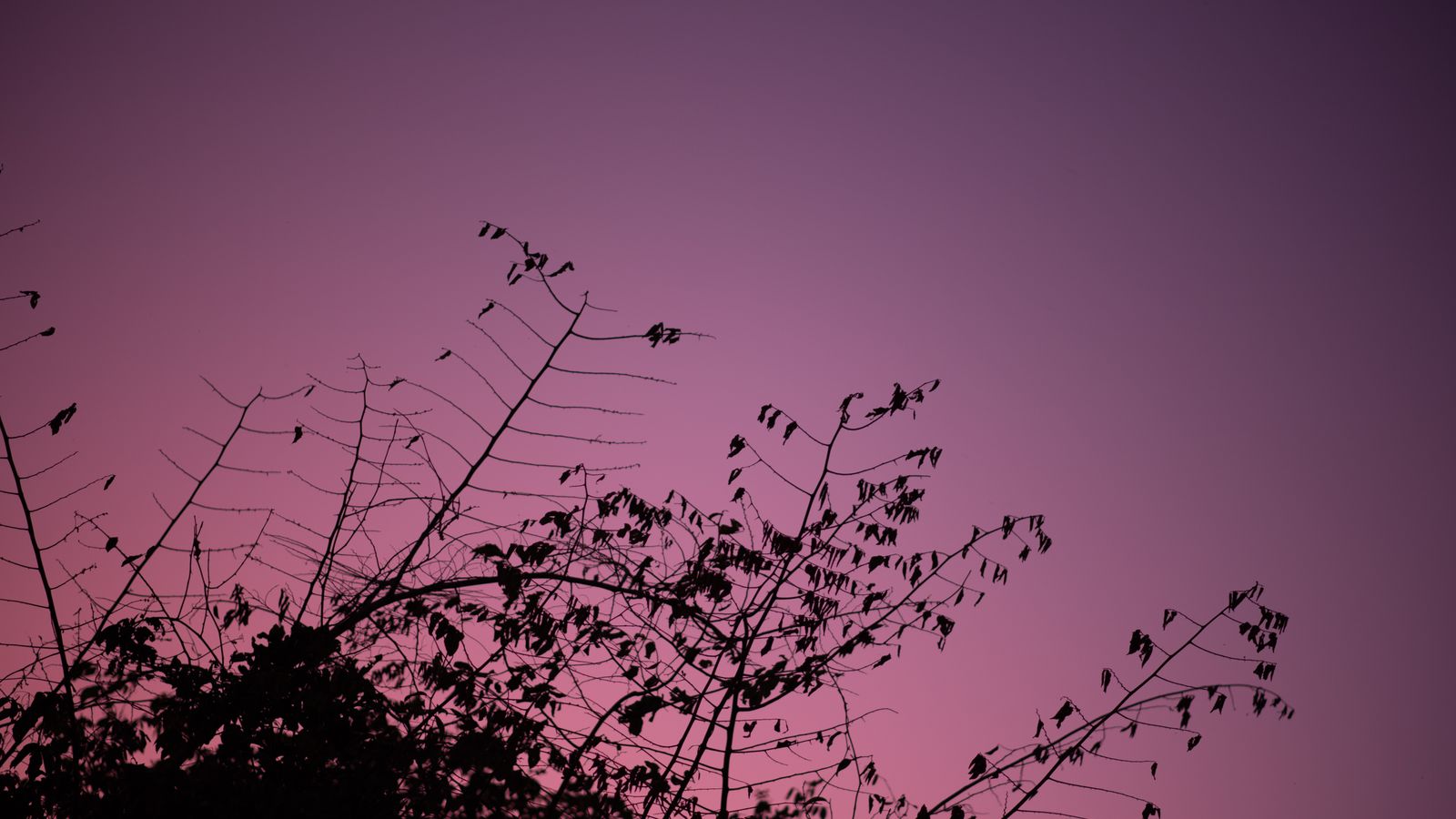
Tree Branches at Purple Twilight
Dark branches against a deep purple evening sky. The silhouette gives a dramatic frame while the sky adds colour. The dark upper part works well with the notch.
View & Download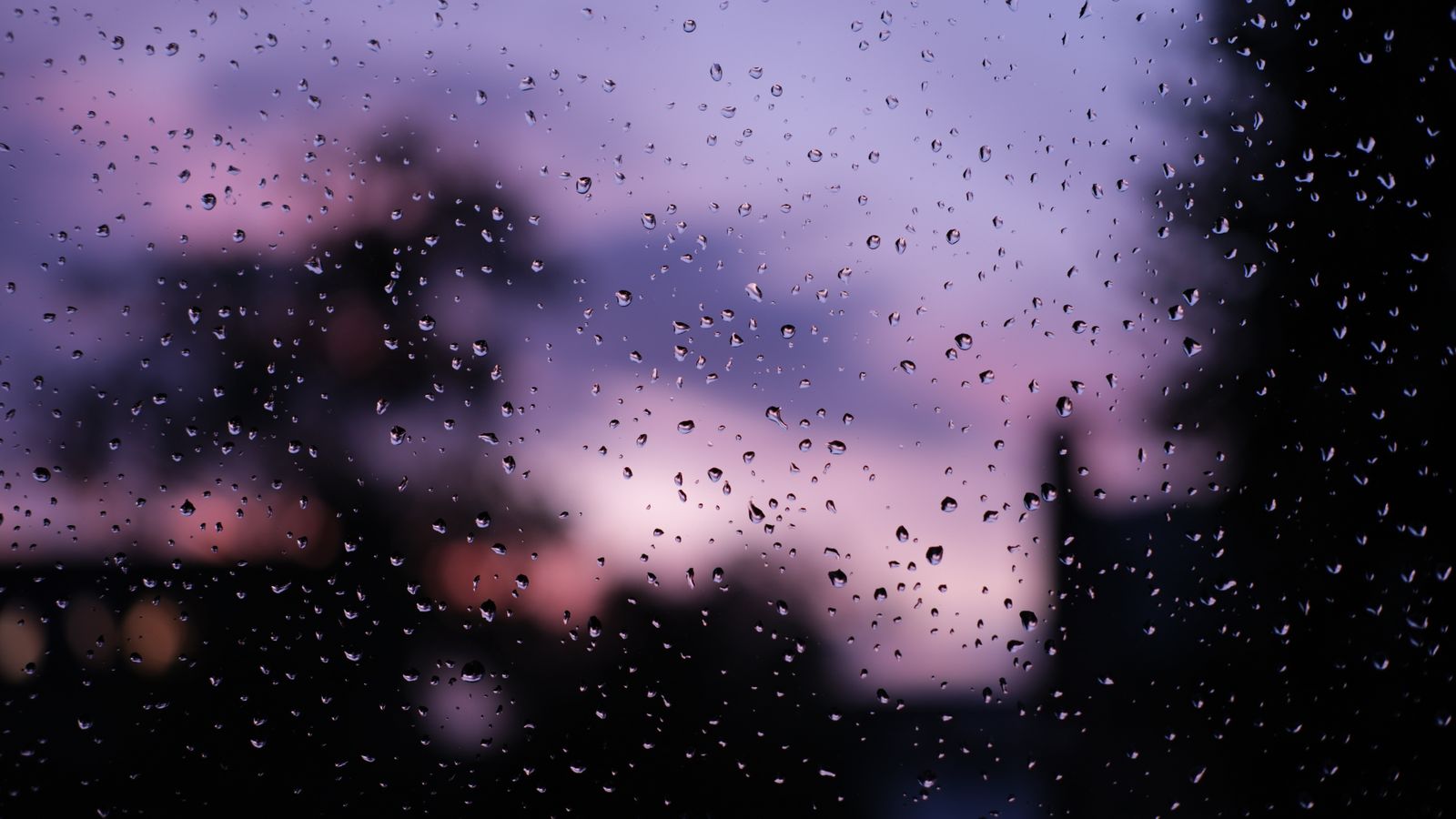
Raindrops on a Window at Sunset
Raindrops on glass in front of a vivid purple sunset. The fine water detail looks excellent in 4K on a Retina Pro screen, and the cosy mood suits late evening work.
View & DownloadBest Wallpaper Styles for MacBook Pro
Dark scenes and night skies are the strongest choice, because the Pro display can show real depth in the shadows. Colourful abstract art also looks excellent, since the screen reproduces saturated colour very well. Light, pastel wallpapers still work, but they do not use the strength of the display, so they suit the Air better.
If you work in creative software, a neutral, dark wallpaper helps you judge colour, because it does not reflect a strong tint onto your eyes. If you mostly code or write, choose a calm texture with low detail, so that text windows stand in front of it clearly.
How to Set a Wallpaper on MacBook Pro
💻 Step by Step
- Download the 4K file and save it to Downloads
- Open the Apple menu and go to System Settings → Wallpaper
- Click Add Photo and choose the image
- Select Fill Screen to avoid stretching
- Turn on Show on all Spaces if you use many desktops
On an older macOS, open System Preferences → Desktop & Screen Saver. If you connect an external monitor, set a separate wallpaper for it, because a wide display needs a different crop than the laptop panel.
How to Hide the Notch With Your Wallpaper
You cannot remove the notch, but you can make it disappear into the picture. First, choose wallpapers with a dark or evenly coloured top edge, such as a night sky or a dark gradient. Second, avoid bright objects in the top centre, like a sun or a bright building. Third, keep the menu bar readable by using a wallpaper with a calm, mid-tone upper area. Finally, if you use many menu bar apps, consider a tool that hides extra icons so they do not run under the notch.
High Resolution vs Retina Scaling
Many people are confused by the screen numbers. The native resolution of a 14 inch Pro is 3024×1964, but macOS shows it at about 1512×982 points by default, doubling the pixels for sharpness. Your wallpaper is drawn at the full native resolution, so a 1920×1080 picture is stretched by almost two times and looks soft. This is why a 4K file is recommended. A larger file also gives macOS room for different scaled modes, so the picture stays sharp if you change the display scale later.
Fix a Blurry or Cropped Pro Wallpaper
🔧 Quick Fixes
- Download the largest file, not a small preview
- Do not share the image through WhatsApp or other chat apps, which compress it
- Use Fill Screen and not Stretch or Center
- Pick a wallpaper with space at the top if the crop hides the subject
- Restart your Mac if the picture does not change after you select it
Free to Use, No Watermark
The photos in this guide come from the free-to-use Pexels library, and each wallpaper opens on its own WallNest HD page with a free full-size download. There is no sign-up and no watermark, so you can use them on your own Mac, a work laptop or an external display.
JPG, PNG or HEIC: Which Wallpaper Format Is Best?
For most downloads, a high quality JPG is the best balance of size and quality, and macOS handles it perfectly. PNG keeps every pixel without compression, which helps with smooth gradients and flat colour art, but the file can be much bigger. HEIC is Apple's efficient format and works on a Mac, but not every site or tool accepts it. If a wallpaper has smooth dark gradients, choose the PNG or the highest quality JPG, because heavy compression can create visible bands in dark areas.
Using Wallpapers With Multiple Displays and Stage Manager
Many Pro owners connect one or two external monitors. Each display can have its own wallpaper in System Settings, which is useful because a laptop panel and a wide monitor have different shapes. A good idea is to use the same wallpaper family on every screen, for example the dark forest on the laptop and a darker texture on the monitor, so the setup feels consistent. If you use Stage Manager, remember that app windows are grouped on the left side, so a picture with a quiet left edge looks cleaner.
Common Questions
What is the MacBook Pro 14 wallpaper size?
What is the MacBook Pro 16 wallpaper size?
How do I hide the notch with a wallpaper?
Do dark wallpapers look better on MacBook Pro?
Why does my wallpaper look blurry on MacBook Pro?
Is a 4K wallpaper enough for the 16-inch Pro?
Which wallpaper looks best on MacBook Pro?
Are these wallpapers free?
The photos in this guide come from the free-to-use Pexels library. Every wallpaper opens on its own page with a free download, no watermark and no sign-up. More MacBook guides: Best MacBook Wallpapers 4K 2026, MacBook Air M3/M4 Wallpapers, Dark & Minimal MacBook Wallpapers, Halloween MacBook Wallpapers 2026. Also browse our minimal wallpapers, dark wallpapers and AI wallpapers.