
Dark & Minimal MacBook Wallpapers for an OLED-Style Look
Want your MacBook to look like it has an OLED screen? These ten free dark and minimal wallpapers in 4K use deep blacks, quiet shapes and clean design. They pair perfectly with macOS Dark Mode.
Dark and minimal wallpapers are among the most searched styles for laptops. They look premium, make menu bar text and icons easy to read and feel calm in a dark room. They also pair well with macOS Dark appearance, so the whole desktop feels like one design.
One honest note: MacBooks do not use OLED screens. The MacBook Pro uses a mini-LED display with very deep blacks and the MacBook Air uses an LCD. A black wallpaper does not switch pixels off like on a phone, so do not expect battery savings. You still get a rich, clean, OLED-style look.
Below are ten wallpapers, from black waves and sand to starry forests. Each one opens on its own WallNest HD page with a free full-size download.
🌙 Why Choose a Dark Minimal Wallpaper?
- Icons and menu bar text are easy to read
- Less glare in a dark room
- Matches macOS Dark Mode
- A clean desktop helps you focus
- Looks premium on Pro mini-LED screens
⚙️ Setup Tips
- Turn on Dark in System Settings → Appearance
- Pick a wallpaper with an even dark top so the menu bar blends in
- Lower brightness at night to protect your eyes
- Use Fill Screen in Wallpaper settings
💻 How to Set a MacBook Wallpaper
- Download the image from the wallpaper page and open System Settings → Wallpaper
- Click Add Photo and choose the downloaded file
- Select Fill Screen so the picture is never stretched
- Turn on Show on all Spaces if you use several desktops
Dark and minimal wallpapers are among the most popular choices for MacBook desktops. They look clean, keep your icons easy to read and match macOS Dark appearance. Many people call this an OLED-style look, even though MacBooks do not use OLED. This guide explains what is true, what is not, and gives ten free 4K wallpapers with deep tones and simple shapes.
Do MacBooks Really Have OLED Screens?
No. The MacBook Pro 14 and 16 use a mini-LED display, which has thousands of small backlight zones and gives very deep blacks and high contrast. The MacBook Air uses a standard LCD. Neither switches off individual pixels like an OLED phone does. That is why dark wallpapers do not save much battery on a Mac. They still look rich and premium, especially on a Pro, so the OLED-style look is real, even if the technology is different.
🌙 Why Choose Dark and Minimal
- Icons and menu bar text are easy to read
- Less glare in a dark room
- Matches macOS Dark Mode windows and Dock
- Fewer distractions helps you focus
- Looks premium on MacBook Pro mini-LED screens
Top 10 Dark & Minimal MacBook Wallpapers
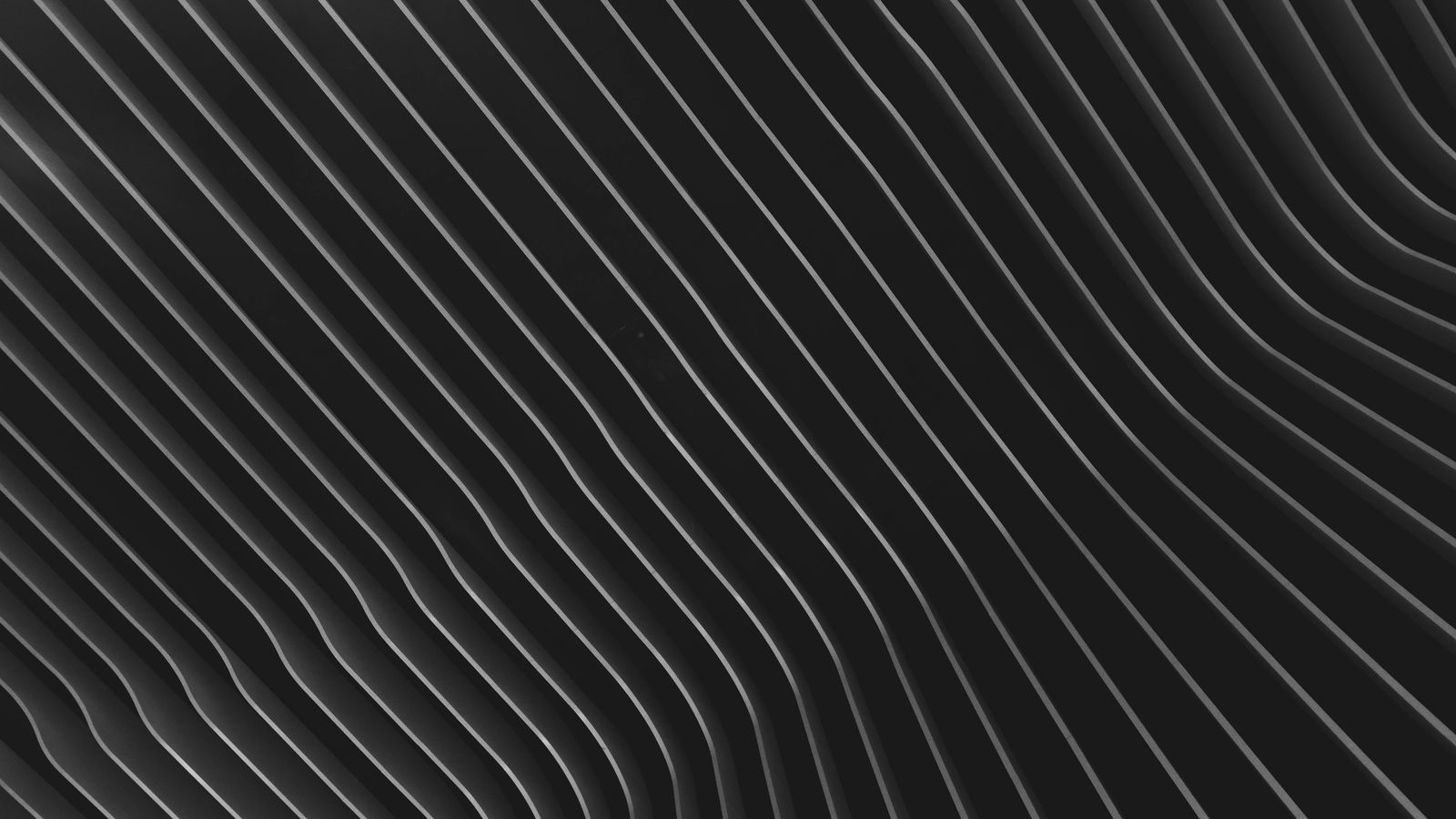
Black Wave Pattern
Smooth black waves with soft depth and shine. It is clean, quiet and very easy to live with. The menu bar blends in, and bright windows stand out clearly against it. A great first choice for a dark minimal desktop.
View & Download
Black Sand Texture
Fine black sand with gentle shadows. The surface has enough detail to look rich on a Retina display, but not enough to distract you. It matches macOS Dark appearance and works very well behind code editors and design tools.
View & Download
Dark Moody Foliage
Dense green leaves lost in deep shadow. The mood is calm and focused, like a forest at night. The dark tones keep your icons readable and give a natural feel without any bright spots.
View & Download
Milky Way Over a Silhouetted Forest
A starry sky above black treetops. The single bright area gives one point of interest, while the rest stays dark and clean. Looks especially good on a MacBook Pro with its high contrast mini-LED display.
View & Download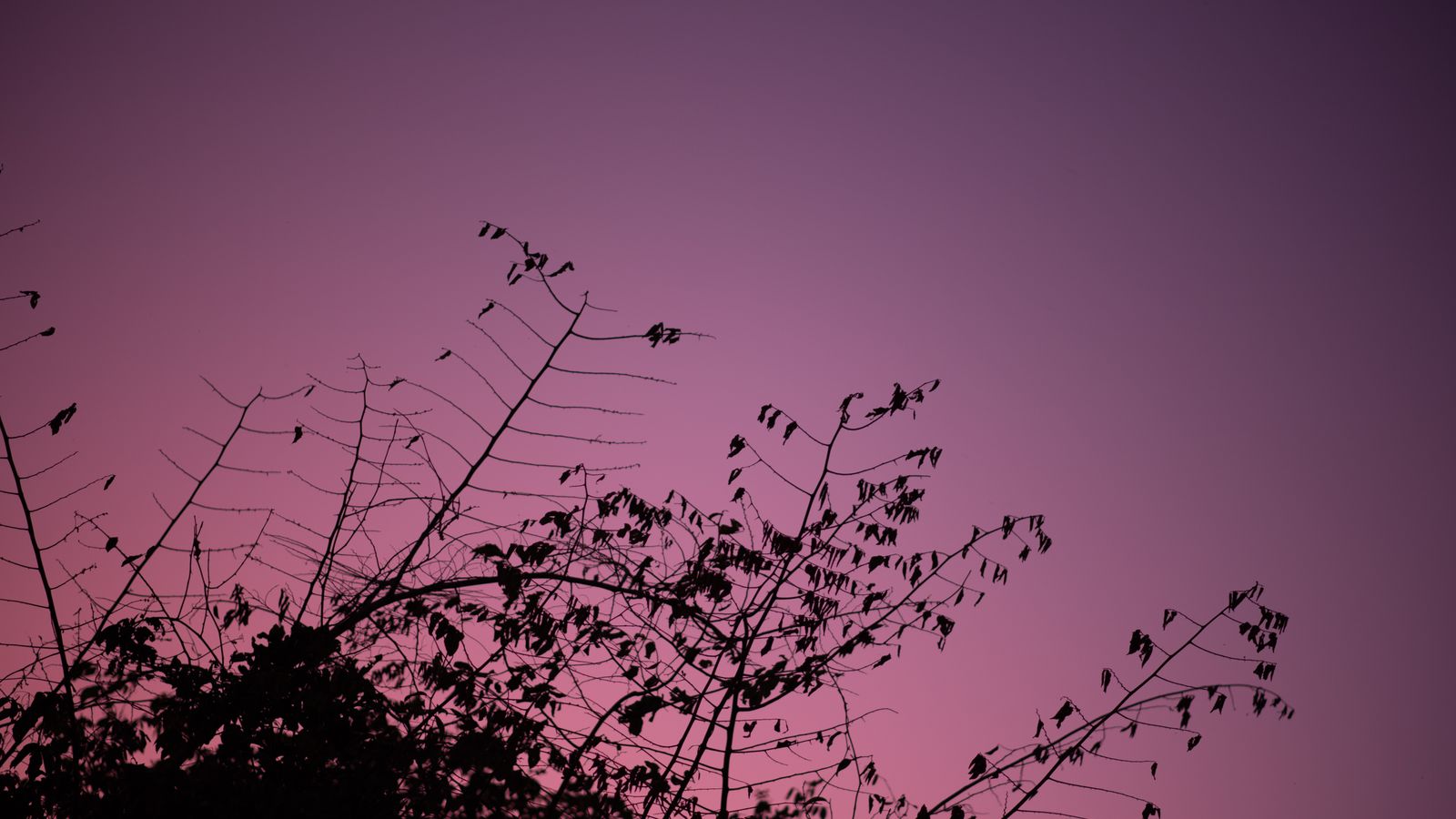
Tree Branches at Purple Twilight
Black branches against a deep purple sky. The silhouette is simple and elegant, and the purple adds a soft touch of colour so the desktop does not feel heavy.
View & Download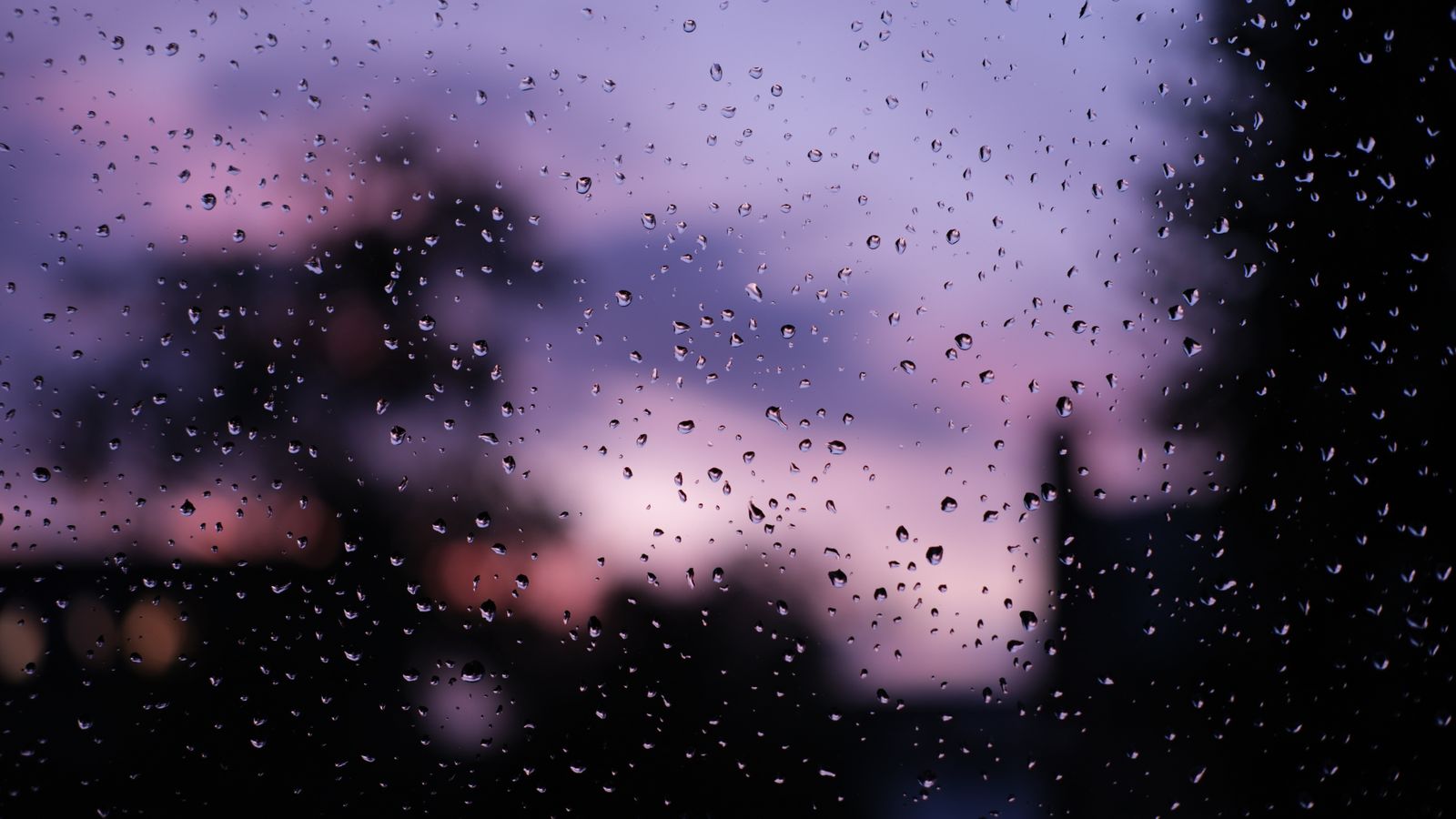
Raindrops on a Window at Sunset
Water drops on glass with a dark purple sky behind them. A cosy, rainy-night feeling that works well with Dark Mode and late evening work.
View & Download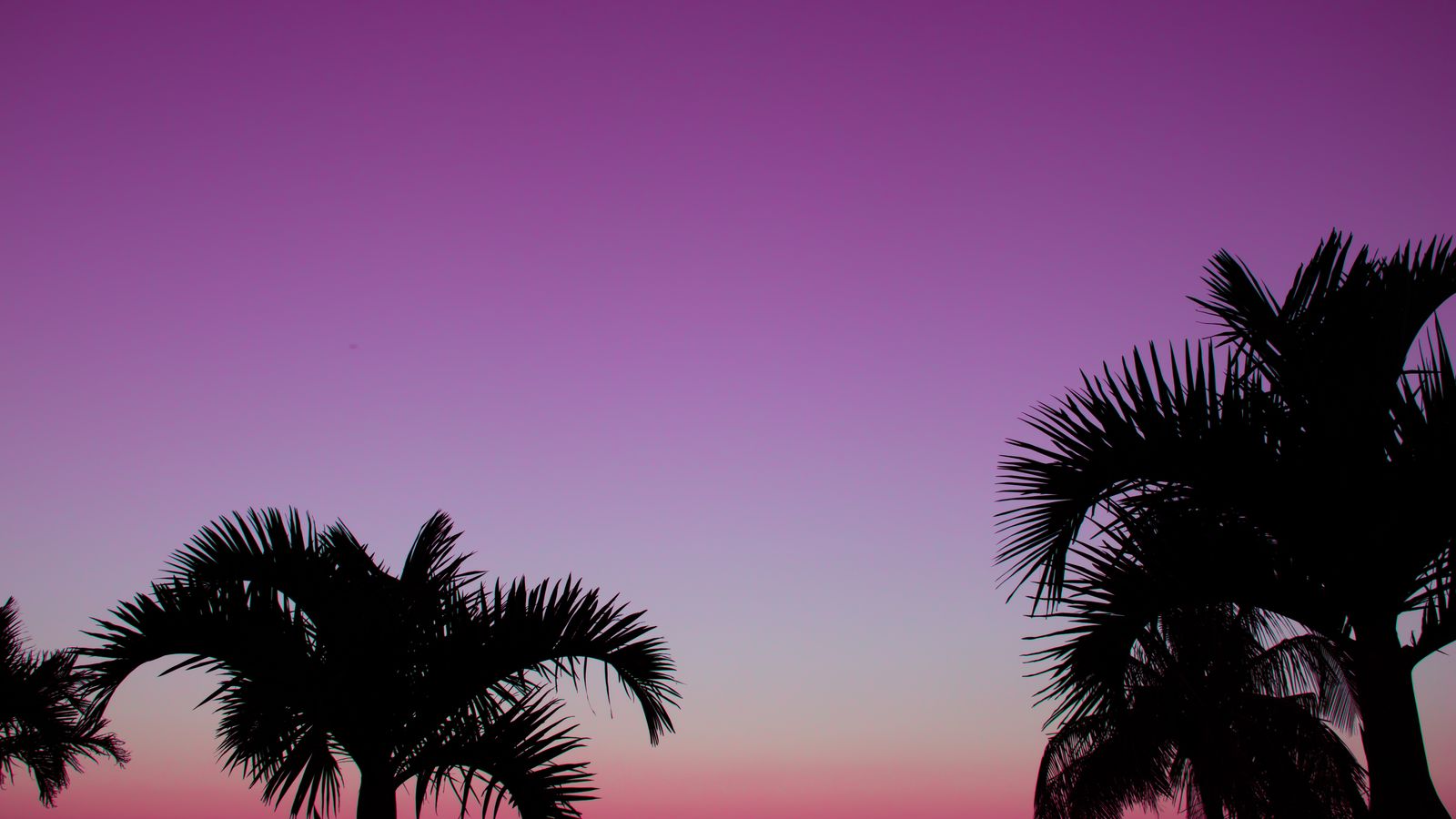
Palm Trees at Purple Sunset
Black palm trees against a pink and purple sunset. The dark shapes keep the picture deep, and the sky adds a gentle glow. A good option if you want dark without losing colour.
View & Download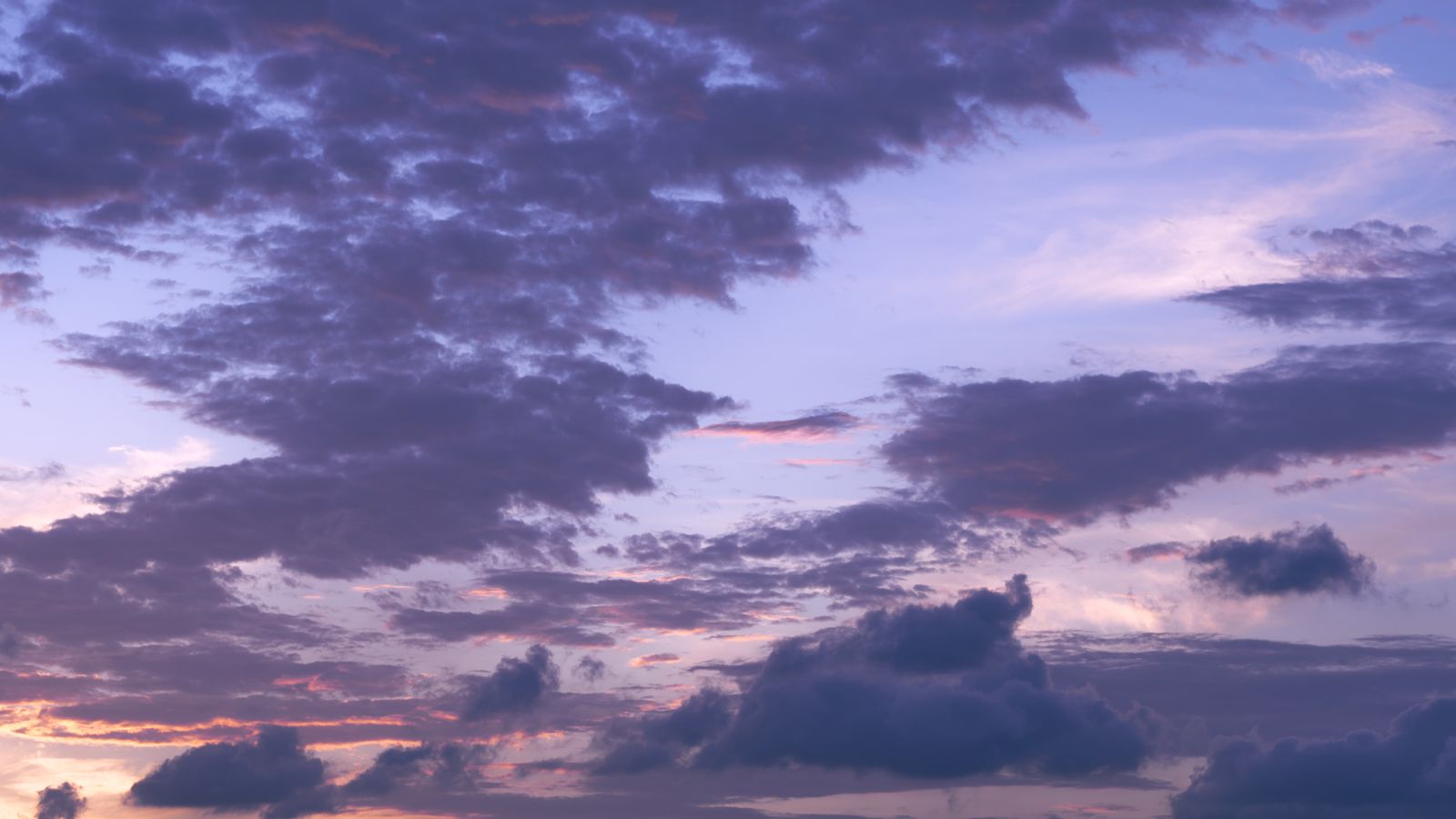
Purple and Pink Twilight Clouds
Large clouds at twilight with dark, heavy tones. The sky is dramatic but not too bright, so it works well with Dark appearance and a dark Dock.
View & Download
Pink and Purple Clouds Over Dusk
A softer dusk sky with layered clouds and a dark lower area. The darker edges keep the screen calm, while the colour in the middle gives the picture life.
View & Download
Dreamy Dusk Cloudscape
Gentle clouds fading into a darker evening sky. It feels quiet and relaxing, and it is an easy wallpaper to keep for months without getting tired of it.
View & DownloadWhat Makes a Wallpaper Dark and Minimal
A good dark minimal wallpaper has three things: a low overall brightness, a simple shape or texture, and one calm focus point at most. Smooth gradients, black textures, soft waves and night skies fit this. A picture with many small bright details, like a busy city at night, may be dark but it is not minimal, and it can make icons hard to see.
How to Set Up a Dark Mac Desktop
⚙️ Step by Step
- Download the 4K image and save it to Downloads
- Open System Settings → Wallpaper, click Add Photo and choose the file
- Select Fill Screen
- Open System Settings → Appearance and choose Dark
- Optional: set the accent colour to Graphite or Blue for a clean look
If you like, set Appearance to Auto, so your Mac moves to dark in the evening and back to light in the morning. Then pick a wallpaper with a mid-dark tone, so it still looks good in both modes.
Pick the Right Dark Wallpaper for Your Mac
For a MacBook Pro, choose very dark pictures with one bright detail, like the stars over the forest, because the screen can show deep contrast. For a MacBook Air, choose dark tones with a little colour, like the purple twilight pictures, because pure black can look flat on an LCD. If you use an external monitor, make sure its brightness is similar to your laptop, so the wallpaper does not look different when you move windows between them.
Keep Your Eyes Comfortable at Night
Dark wallpapers reduce glare, but your whole screen still matters. Lower the brightness in the evening, turn on Night Shift, and use True Tone on supported models. Avoid very bright windows against a very dark wallpaper for many hours, because the strong contrast can tire your eyes. A mid-dark gradient, rather than pure black, is often more comfortable for long sessions.
Fix a Blurry or Banded Dark Wallpaper
🔧 Quick Fixes
- Dark gradients can show banding in small or heavily compressed files, so download the largest version
- Do not share wallpapers through chat apps that compress them
- Use Fill Screen and not Stretch
- Check that True Tone and Night Shift are not changing the colour too much
- Restart your Mac if the wallpaper does not update
Free to Use, No Watermark
The photos in this guide come from the free-to-use Pexels library. Each wallpaper opens on its own WallNest HD page with a free full-size download, without sign-up or watermark.
Best Dark Wallpapers by Use Case
For coding and writing, choose a very dark, low detail texture like the black waves or black sand, because text windows stand out clearly. For design and video editing, a neutral dark picture keeps your eyes calm and does not add a colour tint to your judgement. For video calls and screen sharing, pick a clean dark gradient, since people will see your desktop in the background, and a calm picture looks more professional than a busy one. For a relaxed personal laptop, choose a dusk or night sky with a little colour, because it feels more friendly than pure black.
Match the Dock, Icons and Menu Bar
A dark wallpaper works even better when the rest of the desktop supports it. Keep the Dock small, or set it to hide automatically, so it does not cover the lower part of the picture. Use a simple icon layout, and group files with Stacks. If your menu bar uses many icons, turn on the option to automatically hide it in full screen, or keep only the icons you need. These small changes make a dark minimal desktop feel truly clean.
Dark Wallpaper vs Dark Mode: What Is the Difference?
Dark Mode is a system setting that changes windows, menus, the Dock and many apps to dark colours. A dark wallpaper is only the picture behind them. You can use one without the other, but they look best together. If you use Dark Mode with a bright wallpaper, the desktop feels split, with dark windows on a light background. If you use a dark wallpaper with Light Mode, the windows look bright and strong against the dark picture, which some people like for contrast. Try both and choose the one that is most comfortable for your eyes and your work.
A useful tip is to test the wallpaper with your most common apps open. Open your browser, your notes app and your file manager on top of the picture, and check whether text and borders are easy to see. If the wallpaper makes any window edge hard to see, choose a slightly lighter or smoother picture. This quick test takes one minute and saves you from changing wallpapers again after a week.
Common Questions
Do MacBooks have OLED screens?
Do dark wallpapers save battery on a MacBook?
Do these wallpapers work with macOS Dark Mode?
What size should a dark MacBook wallpaper be?
Why does my dark wallpaper look banded?
Which dark wallpaper is best for MacBook Pro?
Which dark wallpaper is best for MacBook Air?
Are these wallpapers free?
The photos in this guide come from the free-to-use Pexels library. Every wallpaper opens on its own page with a free download, no watermark and no sign-up. More MacBook guides: Best MacBook Wallpapers 4K 2026, MacBook Pro 14 & 16 Wallpapers, MacBook Air M3/M4 Wallpapers, Halloween MacBook Wallpapers 2026. Also browse our minimal wallpapers, dark wallpapers and AI wallpapers.